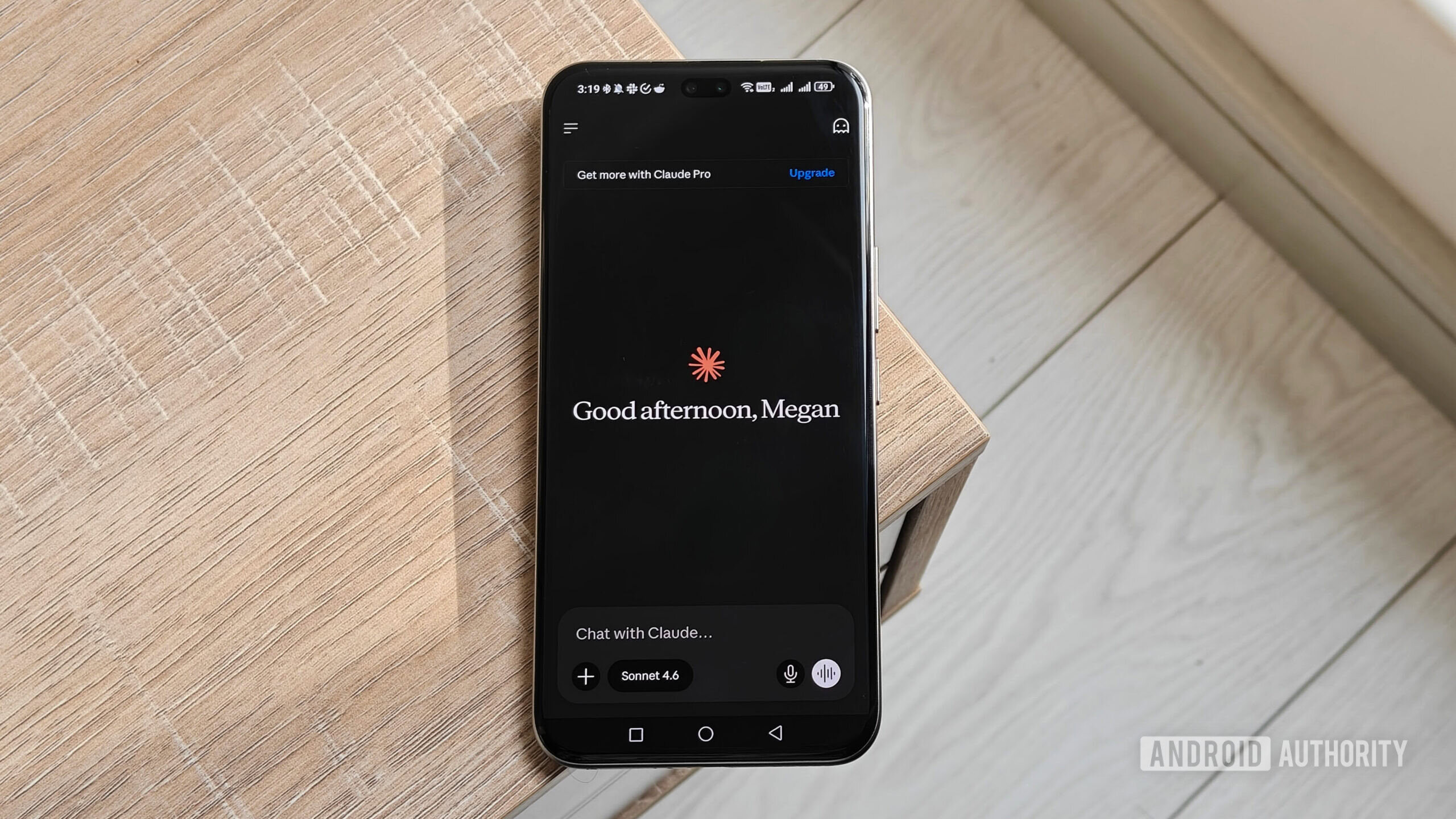
Megan Ellis / Android Authority
Most people use AI tools to replace or augment productivity apps, but I take a more personalized approach to testing these chatbots. I like to look for ways they can make general tasks more convenient, from finding new songs to getting accessible summaries of topics I’m interested in from trusted sources.
Recently, I’ve had to expand my cooking repertoire, and I found myself wasting hours trying to find the perfect recipes that suited my needs and preferences. So I decided to turn to Gemini and Claude to see if they could streamline the process. As a result, I ended up with my new favorite cooking app.
Have you tried using AI for recipes?
19 votes
AI is great for finding recipes without the bloat

Megan Ellis / Android Authority
Anyone who is familiar with finding recipes online will know the common format — a long introduction, muddled instructions, and measurement units that may not match your region. I usually get around this by using a recipe app called Paprika, which highlights the instructions for me and creates shopping lists based on ingredients. But the drawback is that if certain instructions are buried, the app struggles to summarize them.
I encountered this issue with a vegan bolognaise recipe, which had two sets of instructions, with one set including an additional 20 minutes of cooking time. This issue has caught me several times, adding unexpected additional steps when I thought I was done with the main process.
My frustration with navigating through online recipes has also intensified recently. I need to expand my roster of recipes because my boyfriend has Type 1 diabetes, so I need to make sure that the meals I cook when he visits don’t spike his blood sugar. Considering I’m a vegetarian and I have to avoid certain fermented foods because of my chronic migraines, finding niche recipes that cater to both of our dietary restrictions has been difficult.
That’s where AI chatbots come in. Not only can you request recipes that meet your specific restrictions, but you also avoid the bloat that comes with navigating through dense recipes that have filler content.
You can approach recipes in two ways. You can ask the AI for recipes based on your mood or cravings, or you can ask for instructions for a specific recipe. The first approach is useful for discovering new recipes you may not have considered. The second approach works for meals you want to create that also meet certain criteria.
How Gemini and Claude handle recipes differently

Megan Ellis / Android Authority
Both Gemini and Claude can generate meal suggestions and recipe instructions. But the way they do this is very different.
Gemini’s approach is very straightforward. You request a recipe, and the AI provides a list of ingredients and instructions. Since I follow recipes on my phone, this text-heavy presentation isn’t ideal for my small screen. However, the AI is useful for discovering new recipes and providing visuals of the meal.

Megan Ellis / Android Authority
A recipe generated in Gemini.
Claude’s approach differs significantly because of its interactive visuals feature. When you request a recipe in Claude, the chatbot automatically creates an interactive recipe card. It also has a cooking mode that takes you through each step in the recipe, with timers. The interactive format also makes it easy to adjust the number of servings you want to cook and switch between US and metric units.
Gemini takes a very simple approach, while Claude generates interactive recipe cards by default.
Timers can be launched in cooking mode or directly in the instructions. These recipe cards also adjust easily to mobile screens, and timers work with your phone’s built-in clock. You also don’t need to prompt Claude to create this interactive format; it’s simply the default.

Megan Ellis / Android Authority
A recipe generated in Claude.
Both AI tools benefit from context. In Gemini, I created a Gem for recipes that included my dietary restrictions. In Claude, I created a project with specific instructions. However, even with the added context, Gemini’s focus on long-form instructions ultimately means I didn’t end up using the AI when I’m actually cooking.
Claude is my new favorite cooking companion

Megan Ellis / Android Authority
Claude works perfectly as a recipe app thanks to its recipe cards and cooking mode. The only feature I really miss from my cooking app is the ability to keep the screen on while I’m cooking, but this is only a minor inconvenience.
When it comes to creating shopping lists, I can also use the chat with Claude to create a checklist that I can copy into Notesnook. I used this method recently when shopping for ingredients for a vegetarian cottage pie.
Claude’s interactive approach makes it the perfect cooking companion thanks to its timers and adjustable portions.
The cooking mode in Claude makes following steps really easy. Another benefit of using the chatbot for recipes is that I can easily substitute ingredients. For example, for the vegetarian cottage pie recipe, I didn’t have access to vegan Worcestershire sauce, so the AI could suggest substitutions and regenerate the recipe.
Because I set up recipes as a project, the chats are easy to find. I create a new chat for each recipe, making them easy to sort through. This means the recipe card and ingredient checklist are available in the dedicated chat for each recipe.
Don’t want to miss the best from Android Authority?


A frequent discussion I encounter in tech circles is that many people aren’t sure exactly how to use AI in their daily lives. While many features are aimed at productivity and professional use cases, there are plenty of ways the ordinary person can use AI to make daily tasks easier.
Claude’s interactive visuals and recipe cards are an example of this. If you haven’t tried the app for recipes and are looking for a new digital cooking companion, I highly recommend giving it a try.
Thank you for being part of our community. Read our Comment Policy before posting.
[ad_2]
Source link
More on used gemini and claude as recipe
Stay tuned for updates on used gemini and claude as recipe as the story develops. Related: so much has changed in 6 months’ time.
Frequently Asked Questions
Claude. Its interactive recipe cards with cooking mode, timers, serving adjustments, and unit switching beat Gemini's plain text-heavy output.
To avoid the bloat of online recipes with long intros and muddled instructions, and to get recipes tailored to dietary restrictions, like the author's vegetarian diet and her boyfriend's Type 1 diabetes.
Straightforwardly: a list of ingredients and instructions, useful for discovery and visuals but text-heavy on small phone screens.
47 percent had not tried AI for recipes, 32 percent tried it but prefer recipe apps, and 21 percent like it better than recipe apps.