

Game Console Web Browsers: A History and Evolution
Official game console web browsers have gone from experimental, TV‑centric services in the 1990s to modern engines based on WebKit and Chromium and lightweight embedded web views. This article surveys first‑party browser efforts across major consoles, highlighting release context, core features, underlying engines, and their influence on living‑room web experiences. (Homebrew and custom firmware are excluded.)
CD‑i (1991)
The Philips/Sony CD‑i is one of the earliest attempts at TV‑focused browsing. Using a modem and the CD‑Online (Web‑i) service in 1995, users could access curated portals, simple homepage publishing and rudimentary navigation.
- Limitations: very limited RAM and slow modem speeds.
- Impact: helped establish the idea of TV‑first browsing on living‑room devices.
Sega Saturn (NetLink, 1996)
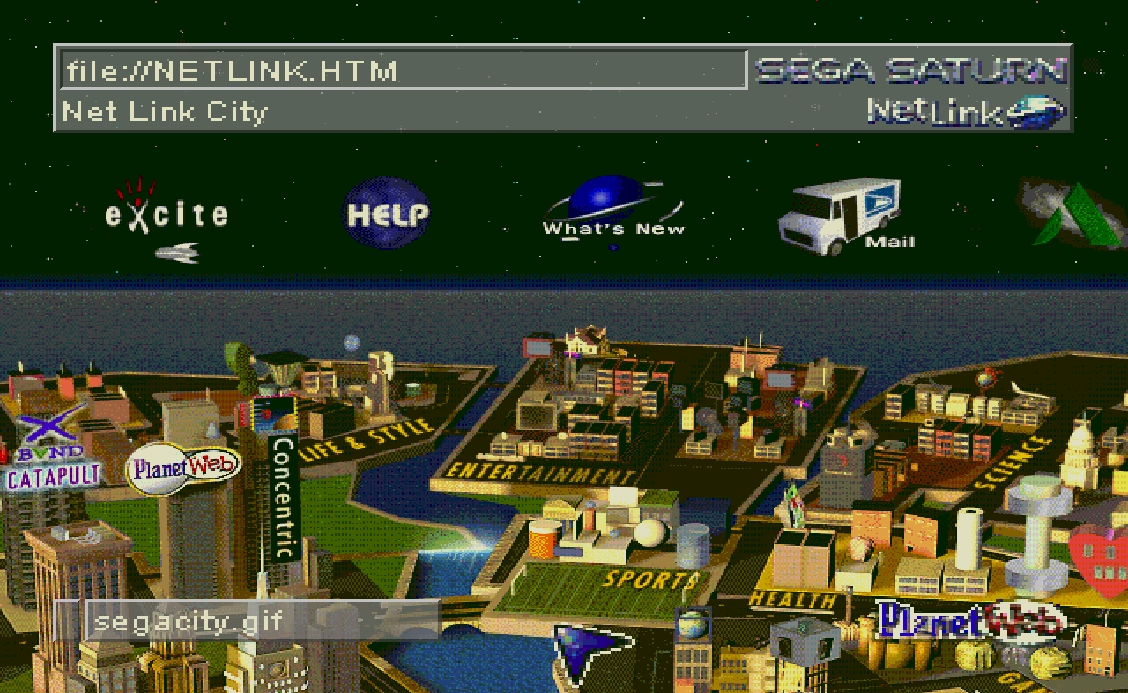
Sega’s NetLink bundled a PlanetWeb browser adapted for TV displays: legible fonts, zoom and magnifier tools, bookmarks, downloads and parental controls. Some unreleased builds added frames and SSL support, but the Saturn’s short commercial life limited wider adoption.
Apple/Bandai Pippin (1996)
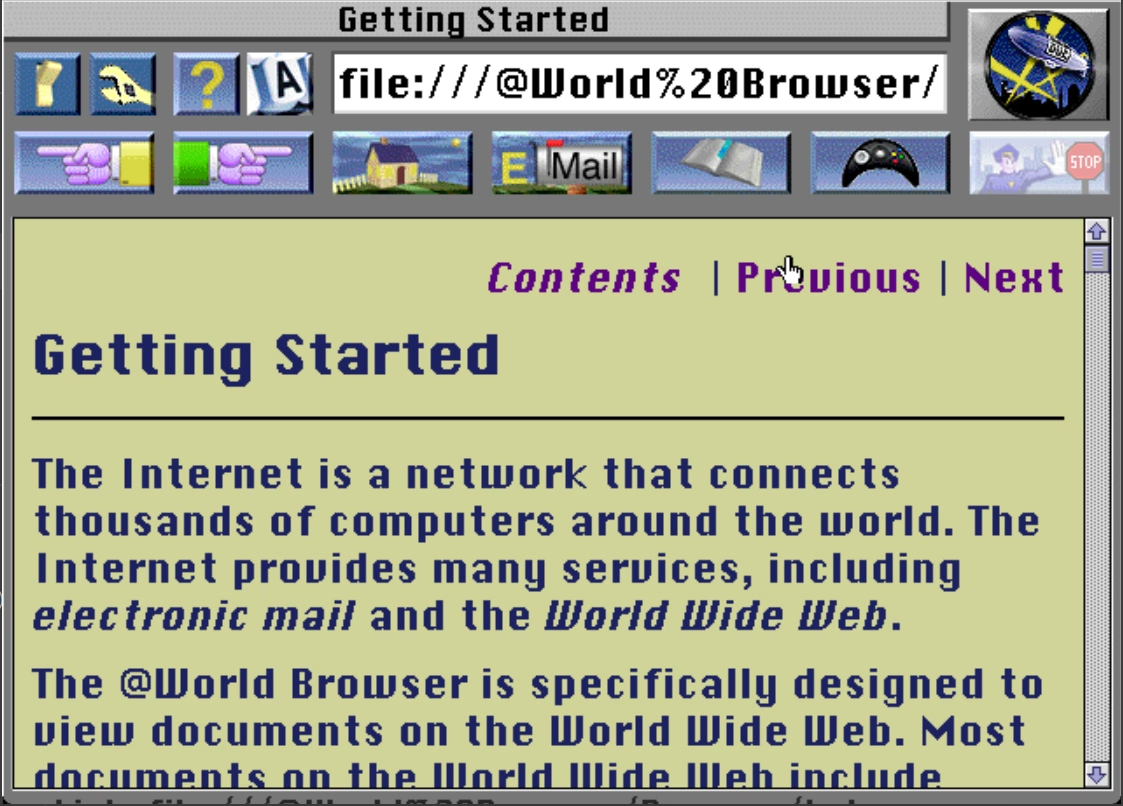
The PowerPC‑based Pippin ran ports of desktop browsers (for example @WORLD/Spyglass Mosaic, SurfEZ!, Internet Kit). These supported plug‑ins such as QuickTime and Shockwave, along with Java and printing—however limited hardware and market reach reduced their long‑term impact.
Sega Dreamcast (1998)
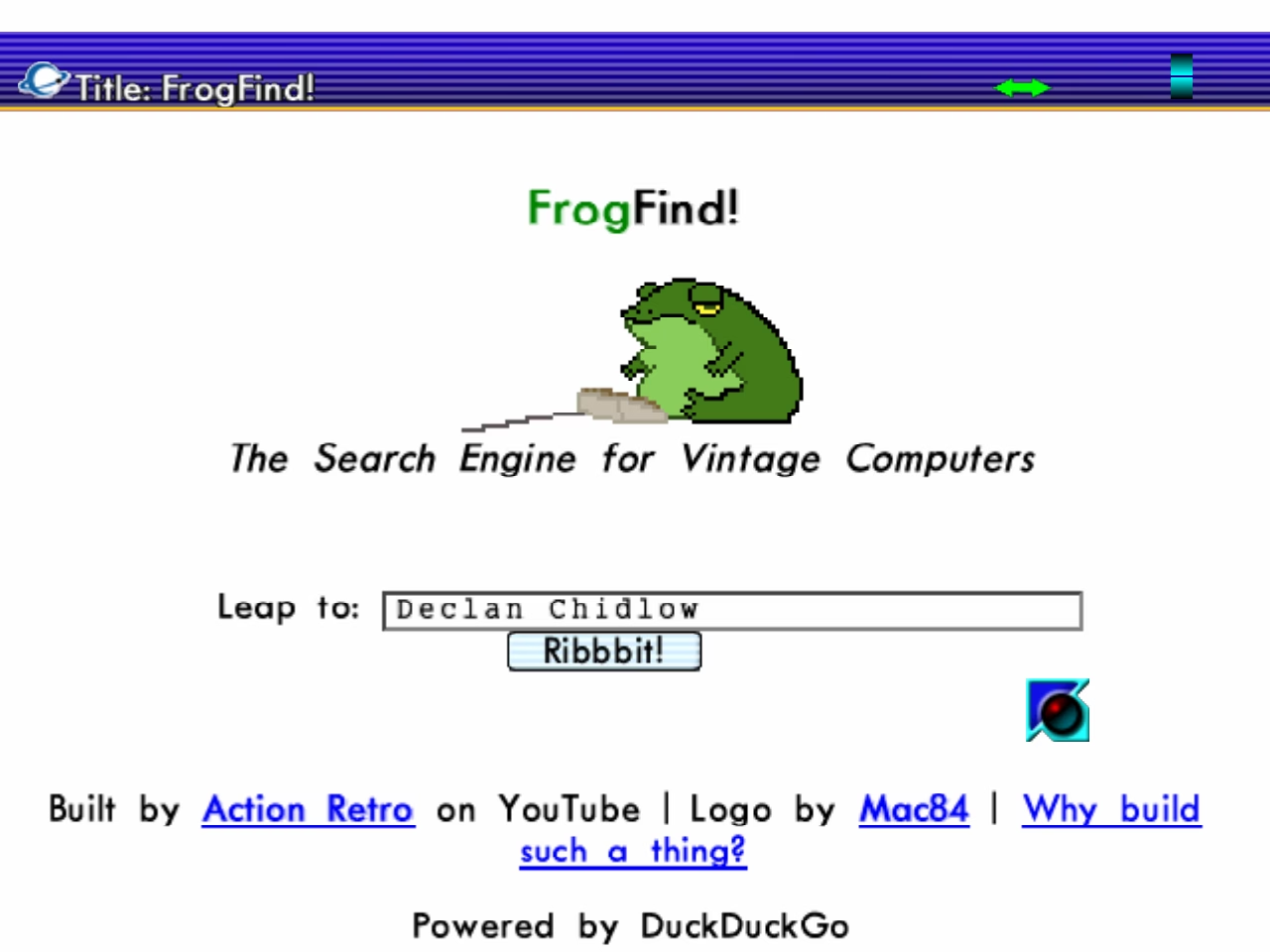
The Dreamcast is widely regarded as a high point for console browsing. It shipped regional browser variants—Dream Passport (Japan), PlanetWeb (US) and a NetFront‑based Dreamkey (EU/AU). PlanetWeb added Flash, improved JavaScript and media playback; Dreamkey received steady engine updates and close GamePad integration.
PlayStation 2
Sony’s PlayStation 2 exposed browser functionality primarily through the PlayStation Broadband Navigator (PSBBN) in Japan, which used NetFront 3.0. Supported features included HTML4, basic JavaScript, channels and email. Outside Japan, network access was often provided via discs or portals—more service‑oriented than full web browsing.
Nintendo DS & DSi
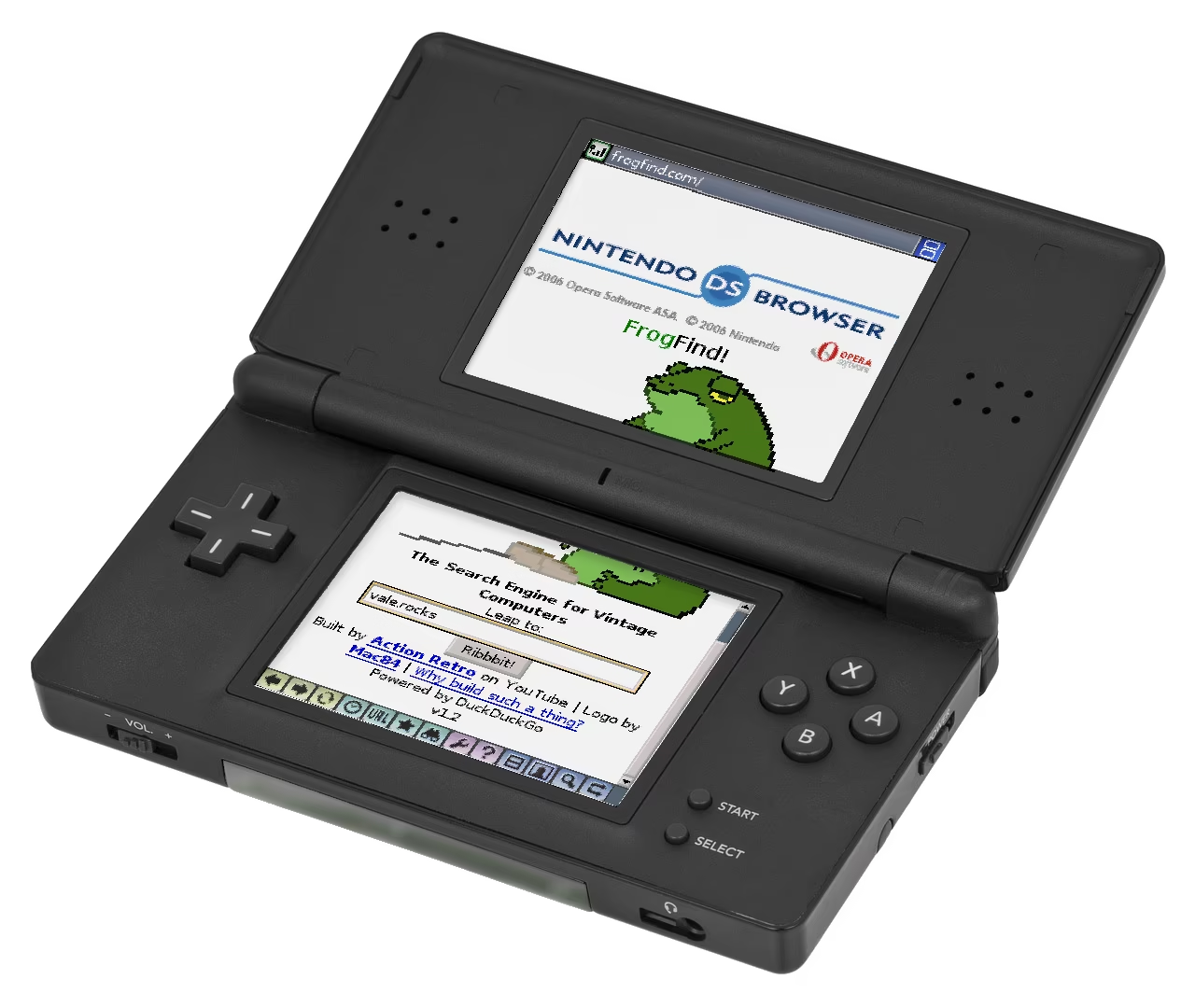
The DS Browser (Opera 8.5) arrived in 2006 and required the Memory Expansion Pak to increase RAM. It offered JavaScript, images, bookmarks, zoom and handwriting input. The DSi upgraded to an Opera 9.5‑based browser with more RAM and HTML canvas support, enabling lightweight web apps despite lacking Flash.
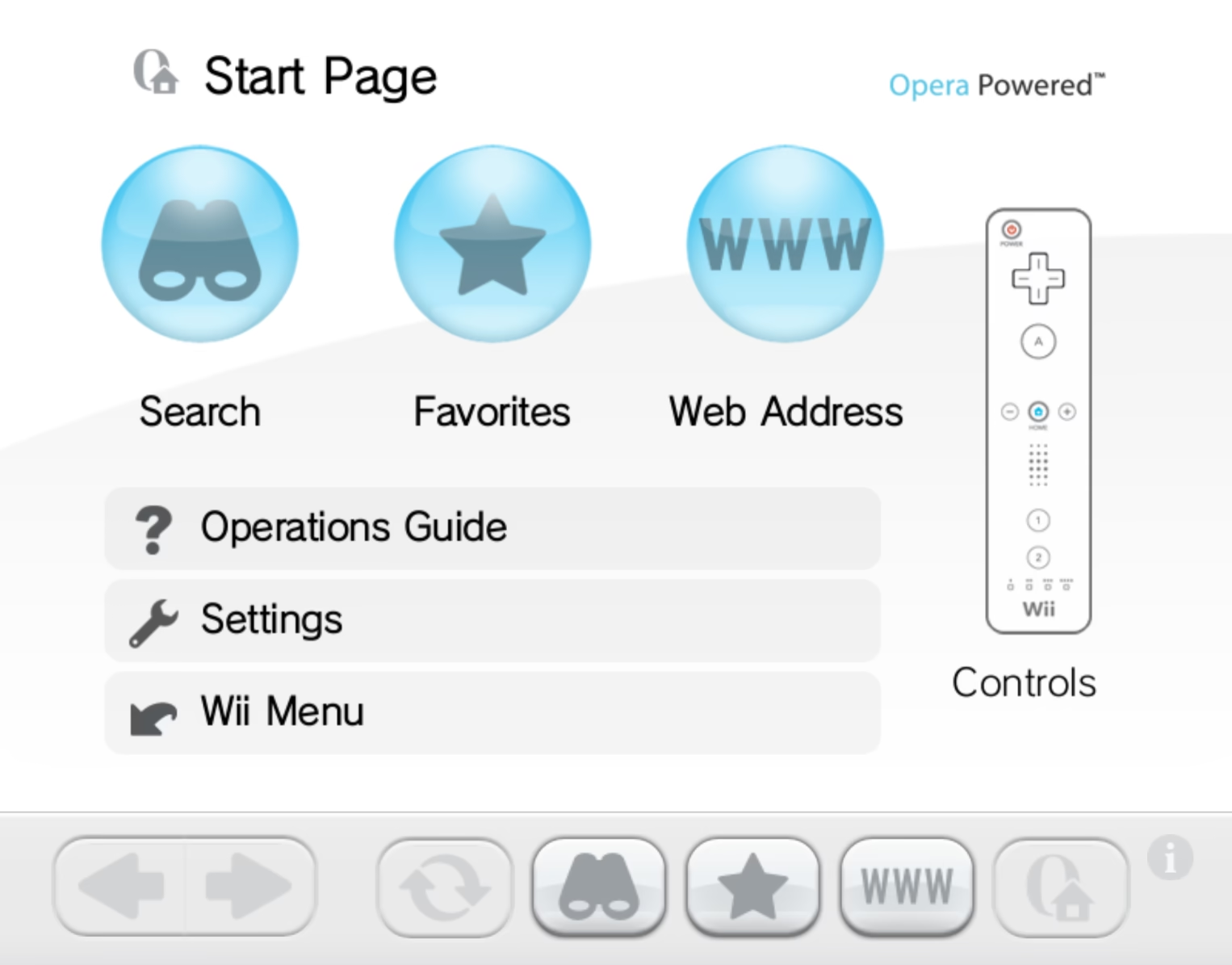
Wii (Internet Channel, 2006)
Nintendo’s Internet Channel used an Opera engine and introduced many console owners to web browsing. Initially a paid download, it later became free and added keyboard support, favourites and Flash Lite updates—helping shape TV‑first web layouts and expectations for remote input.
PlayStation Portable (PSP, 2005)
The PSP shipped with a NetFront browser offering Unicode support, Flash 6, form saving, Trend Micro filtering and multiple view modes. It supported up to three tabs and basic multimedia, but became limited over time by outdated SSL and security constraints.
Xbox 360
Microsoft released Internet Explorer 9 for the Xbox 360 in 2012 (initially for Xbox Live Gold). The browser followed TV design guidance, supported favourites and SmartScreen filtering, and used SmartGlass for improved text input. IE9 was the last major console browser update before focus shifted to newer systems.
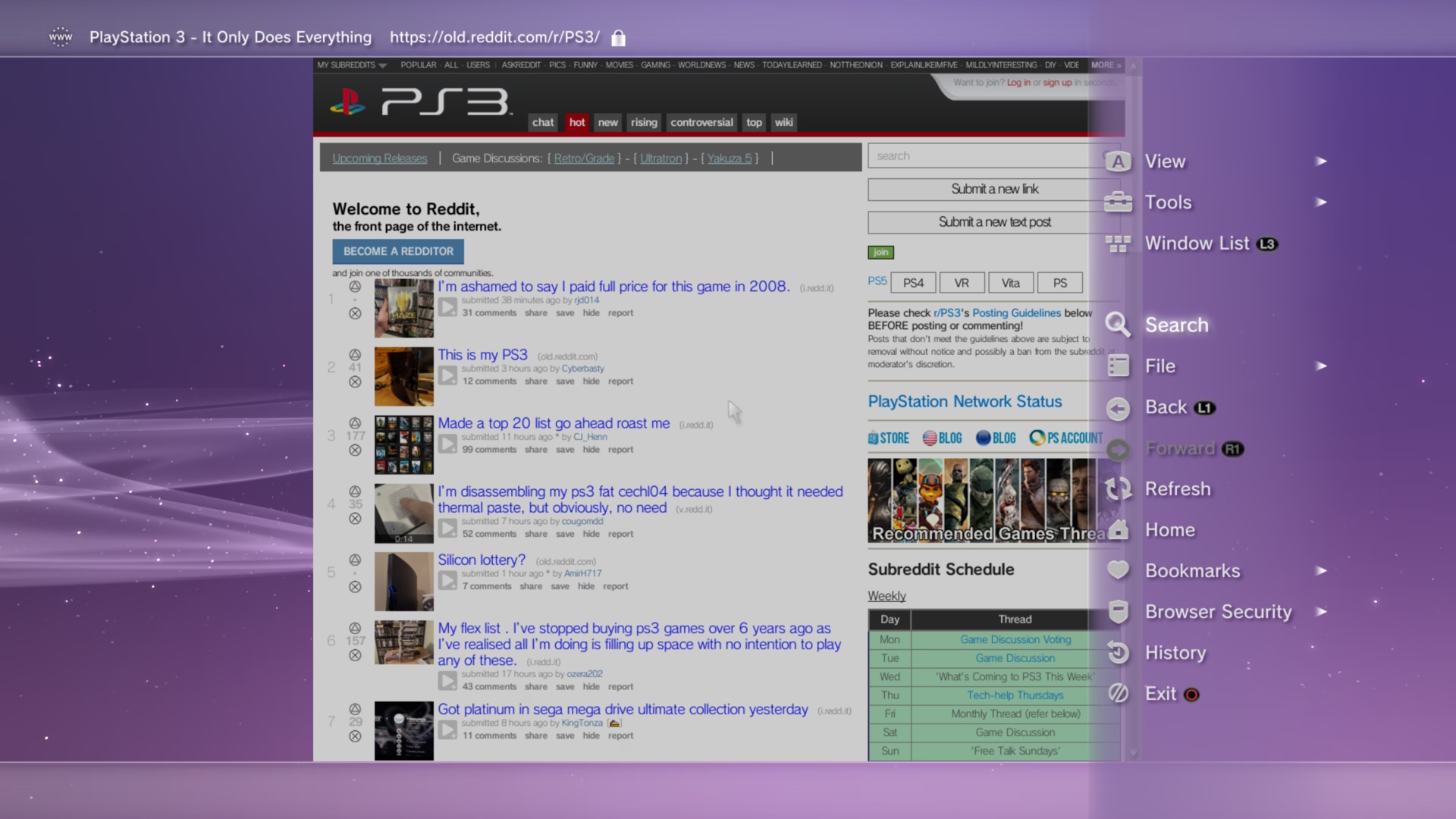
PlayStation 3
The PS3 began with NetFront and later moved to a WebKit‑based engine (around 2012), gaining stronger HTML5 support and improved performance. Sony added screenshotting, copy/paste, multiple windows and security updates, making the PS3 browser a capable TV‑focused client.
PlayStation Vita (2011)
The Vita launched with a WebKit browser (no Flash) supporting up to eight windows, nested bookmarks and image downloads. System updates added rear‑touch scrolling and improved video playback when using memory cards—delivering a robust handheld browsing experience focused on speed and media.

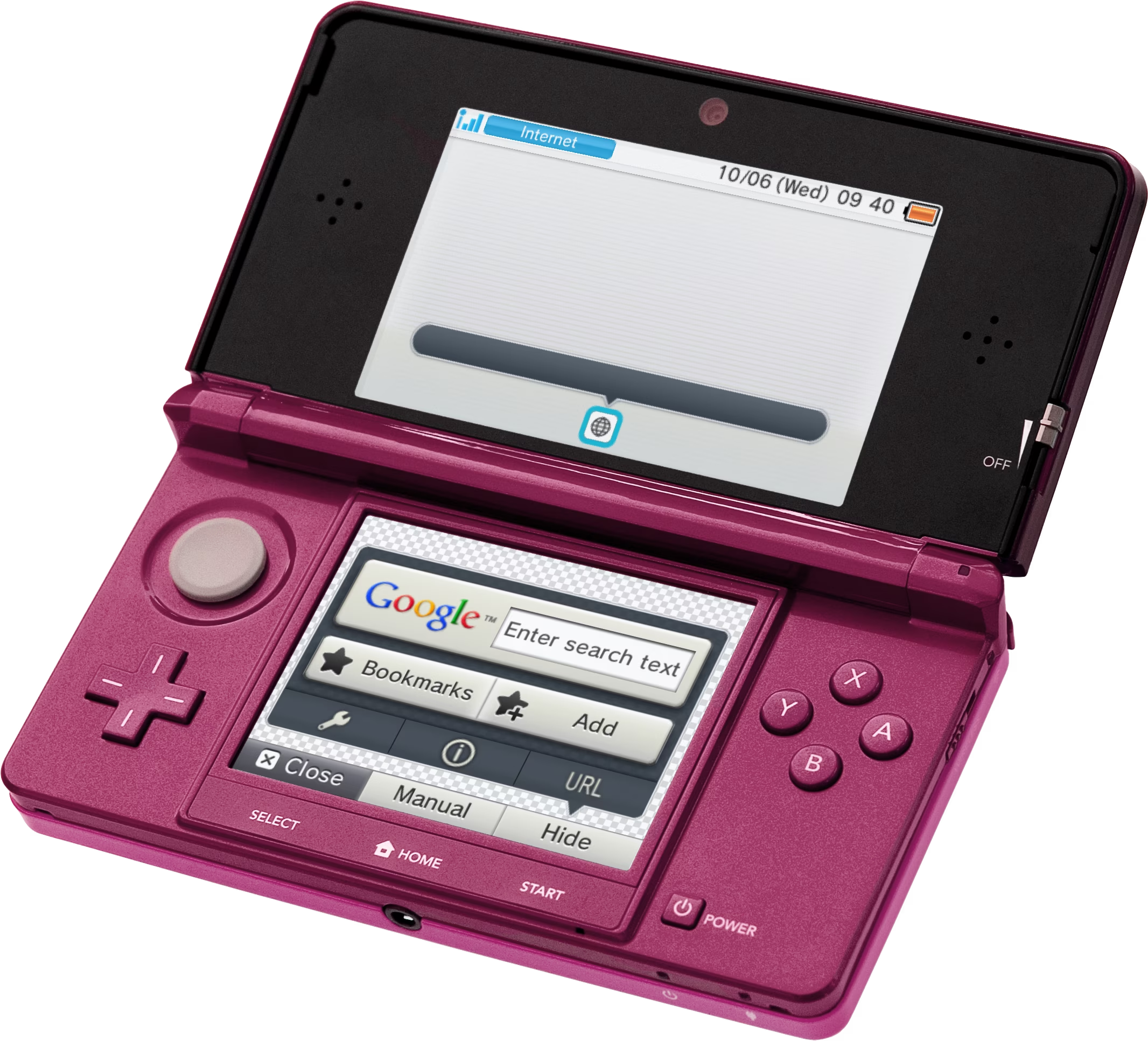
3DS & New 3DS
The 3DS used a WebKit‑based NetFront browser (2011) with features such as stereoscopic MPO image rendering. The New 3DS (2014) added more RAM and CPU headroom, enabling a newer WebKit with improved HTML5 and video support—bringing handheld browsing closer to desktop capability.
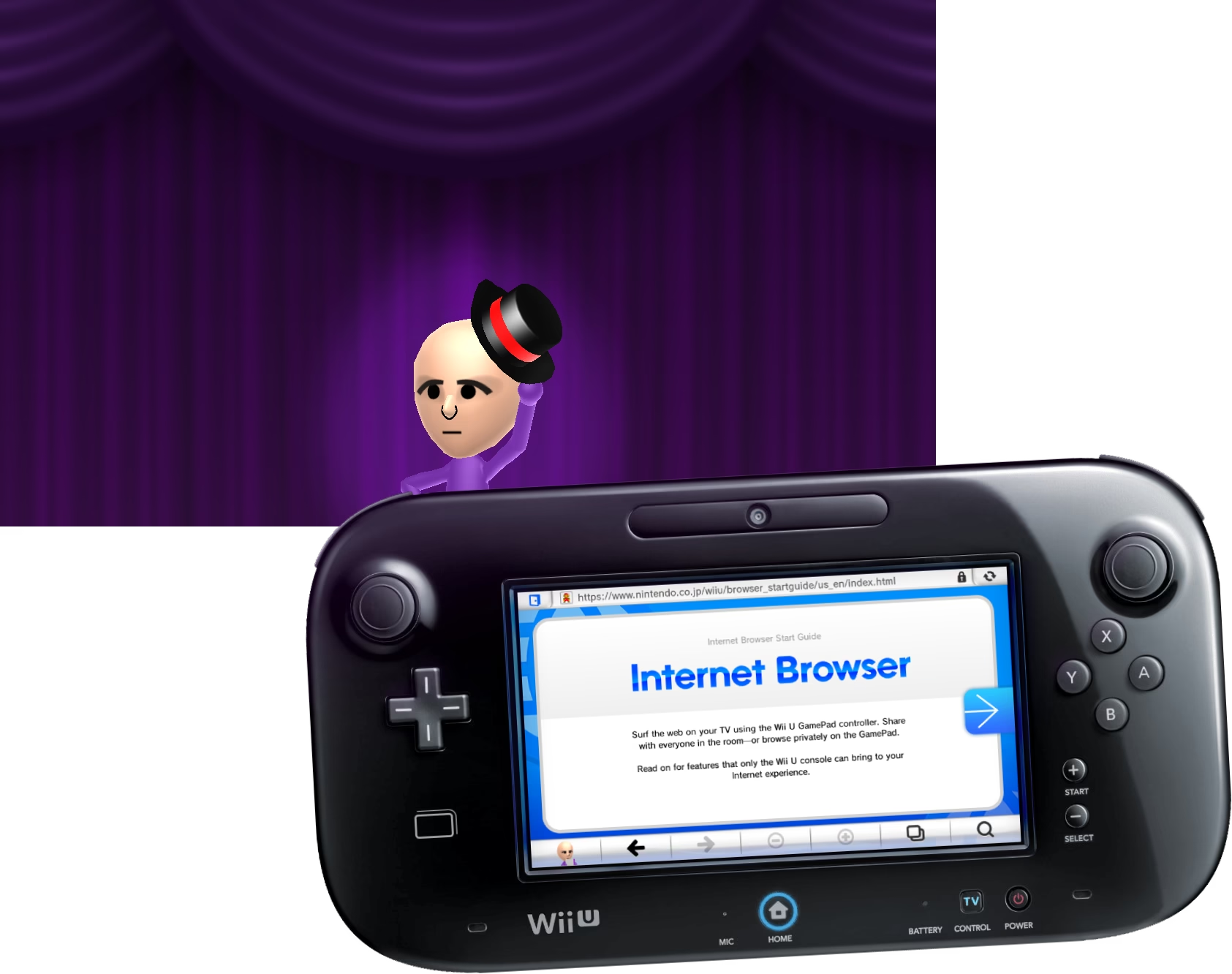
Wii U
Wii U’s Internet Browser (NetFront NX) used the GamePad as a secondary screen and introduced playful UI elements (curtains, Mii animations), developer tools, PDF support and password saving in later firmware—making the GamePad browser a distinctive console feature.
PlayStation 4
The PS4 uses a WebKit‑based browser supporting multiple windows, WebGL, bookmarks and many modern web APIs. It omits Flash and a native PDF viewer but handles most features relevant to large‑screen media consumption. Browser security has required periodic patches to address exploits.
Xbox One
Xbox One launched with an Internet Explorer build adapted for Kinect and split‑screen use, moved to Edge (EdgeHTML) in 2015 and later to the Chromium‑based Edge—improving compatibility, performance and alignment with desktop web standards.
SteamOS / Big Picture
SteamOS and Steam’s Big Picture Mode include Chromium‑based browsing via the Chromium Embedded Framework (CEF) in overlays. Valve removed a full in‑UI browser in SteamOS 3.0, but desktop browsers remain available on the underlying system; the overlay is still useful for quick links and account flows.
Xbox Series X|S
Xbox Series X|S adopted the Chromium‑based Edge in 2021, aligning console browsing with Windows desktop behavior and improving site compatibility, performance and extension support for console users.
Modern trends & conclusion
Console browsers influenced TV‑first UI design, GamePad/web integration and stereoscopic image handling. Key modern trends include:
- Consolidation around WebKit and Chromium engines for better compatibility and easier web development.
- Growing use of embedded web views for system flows, purchases and limited browsing.
- Shift of general web browsing to companion devices (smartphones, tablets) and streaming devices for convenience.
Platforms such as Nintendo Switch and PlayStation 5 now often favor embedded web views and companion apps over fully exposed, user‑facing browsers. Still, the history of console browsers explains how web experiences were adapted for living rooms, TV displays and unique input methods.
If you want to explore further, see the original source below.