Paul Jones / Android Authority
TL;DR
- Samsung has released a new app called “Driving Insights” with One UI 9 beta on Galaxy S26.
- The app tracks how you drive and offers feedback and suggestions using AI.
- It can also be used to set geofencing alerts for your vehicle.
Most people wouldn’t like being constantly judged for their driving skills, even more so if it’s done by an app. Besides the psychological barrier, driving style analysis, also known as “telematics,” raises privacy concerns. But would it change your mind if it could help you lower your vehicle insurance costs, and a Samsung phone helped you do it?
Don’t want to miss the best from Android Authority?


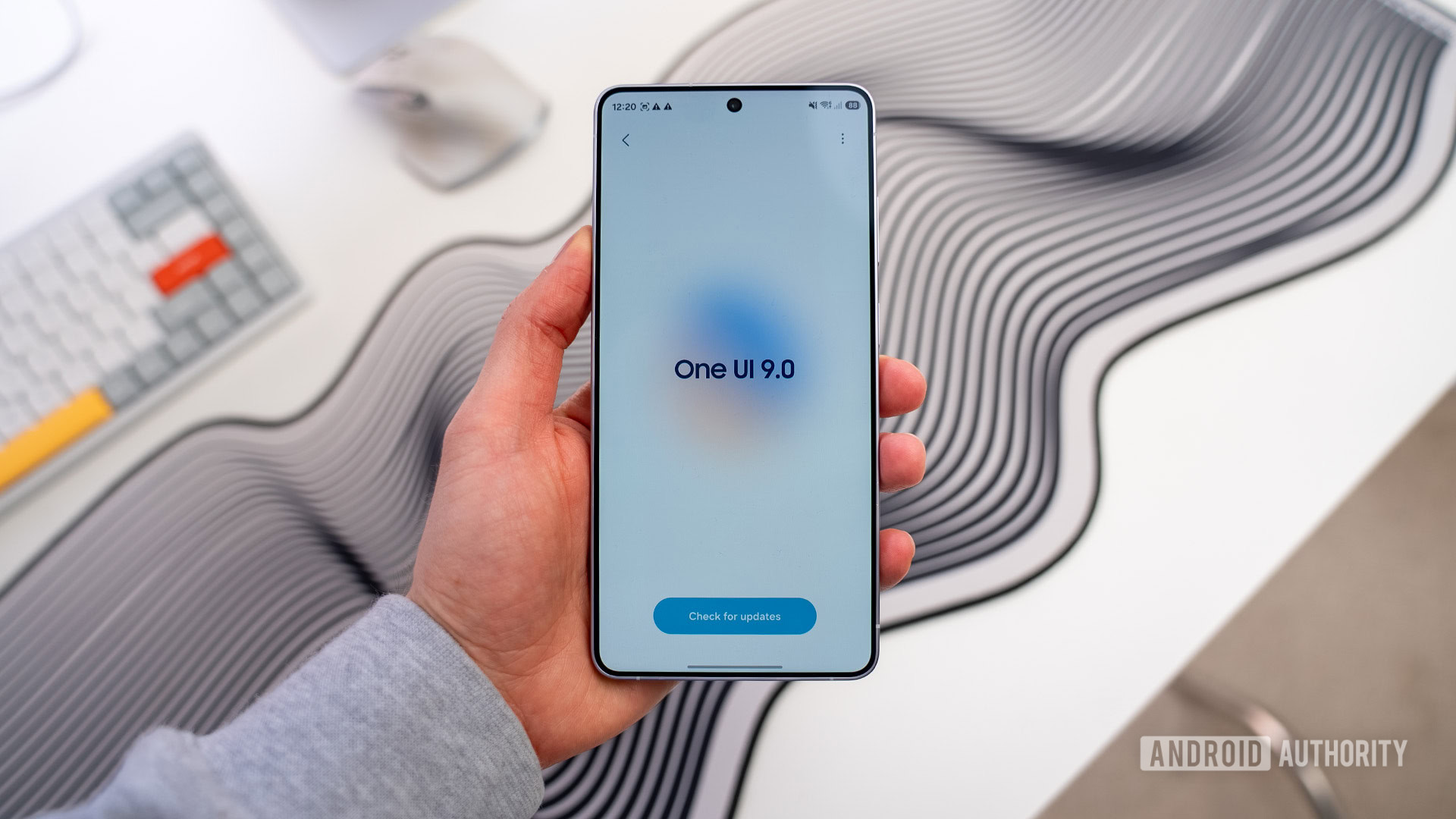
Samsung recently opened up One UI 9 beta for the Galaxy S26 series, and one of the features now coming to devices is Driving Insights. As we uncovered earlier this month, Samsung’s Driving Insights uses AI to analyze your driving patterns and offers feedback or suggestions to help you drive more safely or efficiently. Driving Insights can be found under Connected Devices in your phone’s Settings.
Like a slew of OBD port-based devices, Driving Insights relies on your phone’s sensors to determine key metrics, such as your average and top speeds, braking and acceleration patterns, and any instances of jerking the wheel. Based on this data, it offers you daily or weekly summaries decoding your driving style, and these reports could likely be delivered through Now Brief.
While a lot of people understandably may not be comfortable letting AI grade their driving skills, or may have privacy concerns over it, the data could help you lower your car insurance premiums. Several insurers offer discounts based on telematics, or insights about how you drive, though you would need to check if data from a phone qualifies for such programs. Additionally, this could help parents keep track of how their teenagers are driving, as well as owners ensure their chauffeur doesn’t exceed the speed limit or take the car for a spin without their knowledge.
In addition to rating how you drove, the app can also be used to designate a geofencing radius, and you would be alerted if your vehicle moves out of that zone. You can also set Home and Work locations for specific insights.
Driving Insights can be set to turn on automatically when you connect to a vehicle’s head unit via Bluetooth. We assume it should also work with wired Android Auto on your Galaxy S26. We’re already seeing the feature on our devices enrolled in the One UI 9 beta and will be testing it over the next few days. Hopefully, we’ll have some insights, either worth sharing or worth bashing.
Thanks, Dylan H, for the tip!
Thank you for being part of our community. Read our Comment Policy before posting.
[ad_2]
Source link
More on one ui 9 on the galaxy
Stay tuned for updates on one ui 9 on the galaxy as the story develops. Related: UFS 5.0 Explained: 10.8 GB/s for Galaxy S27 Ultra.
Frequently Asked Questions
Driving Insights is a new app with the One UI 9 beta on the Galaxy S26. It uses AI to analyze your driving patterns and offers feedback or suggestions to help you drive more safely or efficiently.
It relies on your phone's sensors to determine key metrics such as average and top speeds, braking and acceleration patterns, and instances of jerking the wheel. It can be found under Connected Devices in Settings.
The data could help you lower your car insurance premiums, since several insurers offer discounts based on telematics. You would need to check whether data from a phone qualifies for such programs.
The app lets you designate a geofencing radius and alerts you if your vehicle moves out of that zone. You can also set Home and Work locations for specific insights, which helps parents track teenagers or owners monitor a chauffeur.