Paul Jones / Android Authority
TL;DR
- Samsung’s One UI 9 could remind you to look at high-priority notifications.
- We’ve seen evidence suggesting that One UI 9 could use Now Brief to remind you to check priority notifications.
- Now Brief could remind you multiple times during the day to address important notifications.
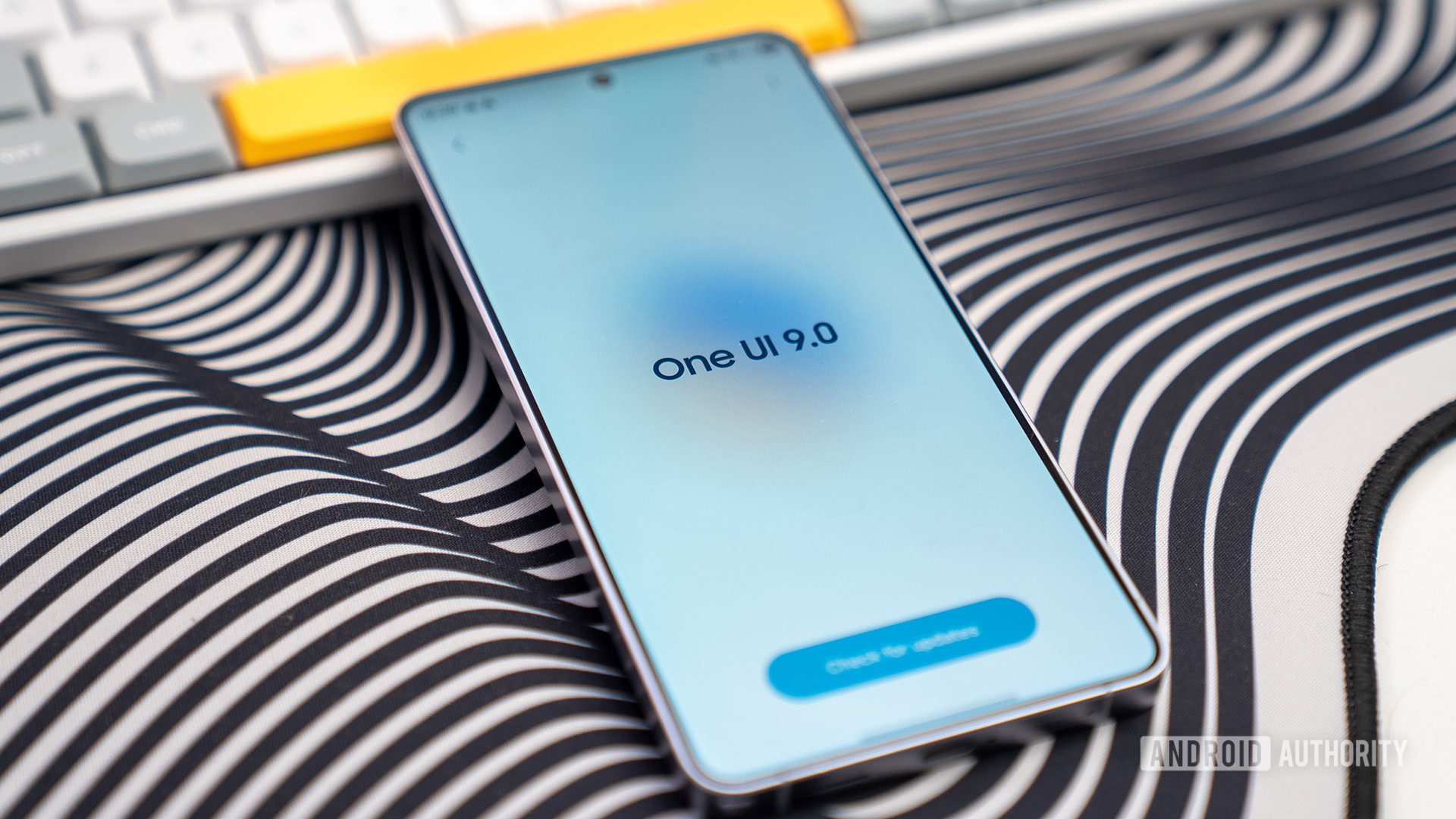
With One UI 8.5, Samsung introduced a “Prioritize notifications” feature that keeps important alerts on top of the notifications panel. With the update now reaching a myriad of devices, Samsung appears to be moving on to the next step, which is making these important notifications more visible.
With One UI 9, Samsung could nudge you to address those high-priority notifications through Now Brief.
We’ve seen evidence suggesting Samsung may expand the Now Brief’s scope in One UI 9 to remind you about high-priority notifications. Strings from One UI 9’s code point to an alert mechanism that will prompt you to view key notifications at key times during the day, including right around your bedtime, when you wake up in the morning, and a few other times.
The following strings hint at the possibility of that happening:
Code
<string name="priority_notification_insight_message_before_sleep">Check these important notifications before you go to bed.</string>
<string name="priority_notification_insight_message_morning">Here are some important notifications from this morning.</string>
<string name="priority_notification_insight_message_overnight">Check these important notifications that came overnight.</string>
From what we can infer, the notifications won’t appear on the Now Brief pill on the lock screen or in the home screen widget. Instead, these would be displayed in a separate card or block within Now Brief. However, since Now Brief can also open without unlocking the phone, the notifications’ visibility in that case should depend on whether you’ve allowed them to be visible on the lock screen.
Don’t want to miss the best from Android Authority?


There’s another reference to a “Priority notification widget.” While we suspect this likely refers to the Now Brief widget on the home screen, there is a small chance Samsung is cooking a dedicated widget to remind you about important notifications. The following string points to this feature:
Code
<string name="priority_notification_widget_title">Priority notifications</string>While we’re already testing One UI 9 beta on the Galaxy S26, we haven’t spotted any such update in Now Brief yet. We’ll ensure updating you in case we do.
⚠️ An APK teardown helps predict features that may arrive on a service in the future based on work-in-progress code. However, it is possible that such predicted features may not make it to a public release.
Thank you for being part of our community. Read our Comment Policy before posting.
[ad_2]
Source link
More on keep missing priority notifications on your
Stay tuned for updates on keep missing priority notifications on your as the story develops. Related: The Organizational Playbook for Engineering Transformation at Scale.
Frequently Asked Questions
Code strings found in One UI 9 suggest Now Brief could remind you multiple times a day to check high-priority notifications, with prompts like Check these important notifications before you go to bed and Here are some important notifications from this morning appearing at key times including around bedtime and morning wake-up.
Probably not. The article says they would be displayed in a separate card or block within Now Brief rather than on the Now Brief pill on the lock screen or in the home screen widget, and since Now Brief can open without unlocking the phone, visibility would depend on whether you allow notifications to show on the lock screen.
It keeps important alerts on top of the notifications panel. With One UI 9, Samsung appears to be taking the next step by making those prioritized notifications more visible through proactive Now Brief reminders.
A string referencing a Priority notification widget was found, but the author suspects it likely refers to the existing Now Brief home-screen widget, with only a small chance that Samsung is cooking a dedicated new widget for important notifications.