
Keeping macOS devices up to date is one of the most critical responsibilities for IT teams. Yet as environments scale, update management often becomes difficult to track, coordinate, and monitor across hundreds or thousands of devices.
Over the years, we have worked closely with Mac admins managing macOS fleets of all sizes. While existing update workflows helped teams deploy updates efficiently, customers consistently asked for greater visibility into update progress, better reporting, more flexible deployment controls, and a simpler way to track update activity across their environments.
As update requirements evolved, it became clear that OS update management needed to be more than a device-level action. IT teams needed a structured way to plan, execute, monitor, and audit updates throughout their lifecycle.
With this in mind, we are excited to introduce the redesigned macOS OS Update Management experience in Scalefusion.
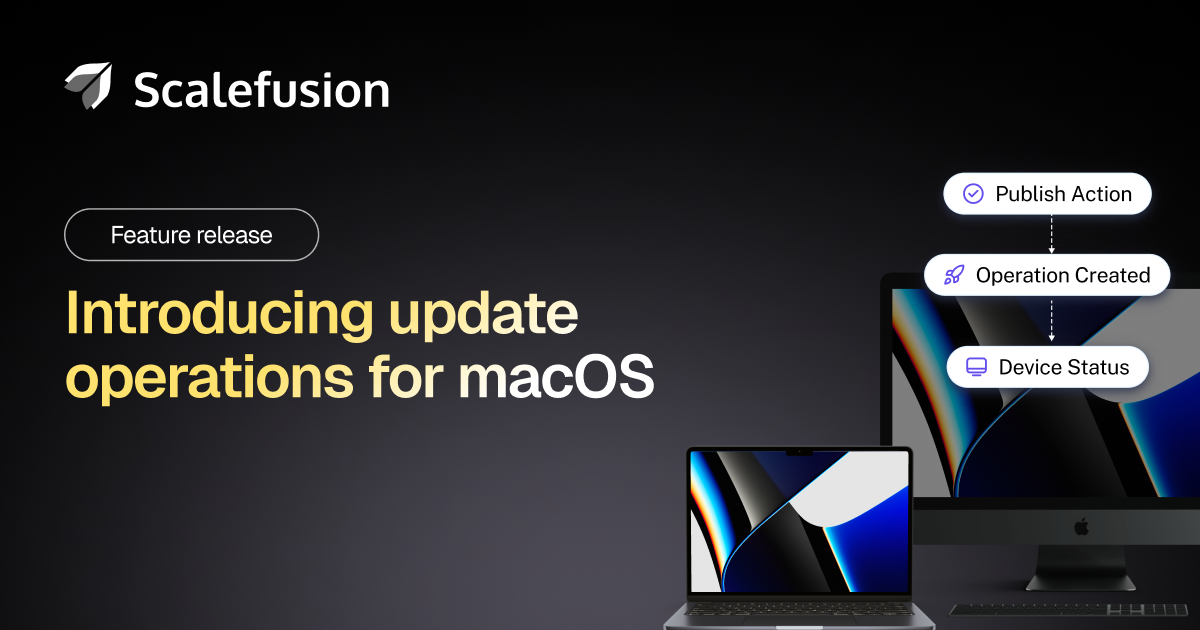
Built around a new Operations-based framework, this enhancement transforms how administrators manage macOS updates by providing greater visibility and traceability from deployment to completion.
Why the redesigned OS update management experience
Operating system updates are more than routine maintenance. They play a critical role in maintaining device security, regulatory compliance, and access to the latest platform capabilities.
For IT teams managing distributed workforces, understanding which devices have successfully updated, which require attention, and which users have deferred updates is essential. Without centralized visibility, update management can quickly become reactive and difficult to scale.
The redesigned experience addresses these challenges by introducing dedicated OS Update Operations that help teams organize update deployments, monitor progress in real time, and maintain greater control over update execution.
Whether deploying a critical security update, coordinating phased rollouts, or enabling users to install updates on their own schedule, administrators now have greater flexibility and visibility throughout the process.
Manage updates through operations
At the core of the new experience are OS Update Operations.
Instead of pushing updates directly to devices, IT teams can now create dedicated update operations and assign device groups during publication. This creates a more organized and traceable workflow for managing update deployments across macOS devices.
Each operation allows Mac admins to:
- Select the preferred update protocol using Declarative Device Management (DDM) or Legacy MDM.
- Configure update deadlines based on organizational requirements.
- Add the updates to Catalog and configure Reminders for better visibility
- Monitor update progress through real-time success, failure, and in-progress tracking.
- Review device-level events and download execution reports for deeper analysis and troubleshooting.
By organizing updates through operations, IT teams gain better visibility into deployment status while maintaining greater control over update execution.
Gain visibility with the new OS update Overview Dashboard
Understanding the health of update deployments across an entire environment should not require navigating multiple screens or exporting reports.
The redesigned OS Update Overview Dashboard provides a centralized view of update activity across managed macOS devices.
The dashboard refreshes daily and provides visibility into:
- Overall update success rates, including updated, pending, and failed devices.
- Available updates and updates approaching expiration.
- Active operations currently running across the environment.
- User-initiated and system-driven update activity.
This consolidated view helps administrators quickly identify deployment trends, monitor progress, and prioritize remediation efforts when necessary.
Improved visibility into updates, devices, and events
The familiar Update and Device views remain available, ensuring continuity for existing administrators while introducing additional operational insights.
A new Events view provides a chronological timeline of OS update activity across managed devices. Administrators can filter events by device or group, making it easier to investigate deployment behavior, monitor update progress, and troubleshoot issues.
With detailed event visibility available throughout the update lifecycle, teams can move beyond basic status reporting and gain a clearer understanding of update execution across their fleet.
Built for better control and user experience
Managing updates at scale requires balancing administrative control with a seamless user experience.
To simplify update coordination, a device can now belong to only one active OS Update Operation at a time. When a new operation is assigned, the device is automatically disassociated from the previous operation, reducing overlap and preventing conflicting update actions.
We have also redesigned update reminders to be less disruptive. Instead of interrupting users with full-screen prompts, reminders are now delivered through non-blocking notifications.
IT teams can configure reminder schedules based on organizational needs, including:
- Daily reminders.
- Reminders every three days.
- Progressive reminders that begin weekly and become more frequent as update deadlines approach.
This approach helps improve update adoption while minimizing disruption to end-user productivity.
Seamless migration to the new experience
Eligible administrators, including Owners, Co-Account Owners, and Administrators with full update permissions, can migrate to the redesigned workflow through a guided onboarding experience.
Devices running older agent versions will continue to receive OS updates and will automatically appear under Operations for tracking within the new interface.
To take advantage of self-service OS updates, update visibility, and reminder functionality, devices must be upgraded to Scalefusion Agent version 5.14.8 (585) or later.
This ensures organizations can adopt the new experience without disrupting existing update workflows while gradually enabling advanced capabilities where supported.
Scale macOS update management with confidence
As device fleets continue to expand, update management requires more than just deployment capabilities. Organizations need visibility, accountability, and control throughout the update lifecycle.
The redesigned macOS OS Update Management experience combines structured operations, centralized reporting, detailed event tracking, and flexible update controls into a unified framework.
With improved visibility into deployment progress and a more streamlined approach to update execution, IT teams can confidently manage macOS updates at scale while maintaining compliance, reducing operational complexity, and improving the overall update experience for end users.
We encourage you to explore the new OS Update Management experience and incorporate it into your existing update workflows. As always, your feedback helps us continue improving the capabilities that matter most to modern IT teams.
[ad_2]
Source link
More on introducing redesigned macos os update management
Stay tuned for updates on introducing redesigned macos os update management as the story develops. Related: Google turns Gemini into a proactive AI agent with Spark, Daily Brief, and major redesign.
Frequently Asked Questions
A redesigned experience built around a new Operations-based framework that transforms how administrators manage macOS updates, with greater visibility and traceability from deployment to completion.
Customers consistently asked for greater visibility into update progress, better reporting, more flexible deployment controls, and a simpler way to track update activity across environments.
They play a critical role in maintaining device security, regulatory compliance, and access to the latest platform capabilities.
A structured way to plan, execute, monitor, and audit updates throughout their lifecycle — not just a device-level action.


One thought on “Introducing Redesigned macOS OS Update Management Experience”