Calvin Wankhede / Android Authority
TL;DR
- Google is closer to allowing users to move passkeys between password managers on Android.
- We were able to activate the interface to transfer passkeys to and from the Google Password Manager.
- Apple devices running the latest iOS and macOS versions already support the feature.
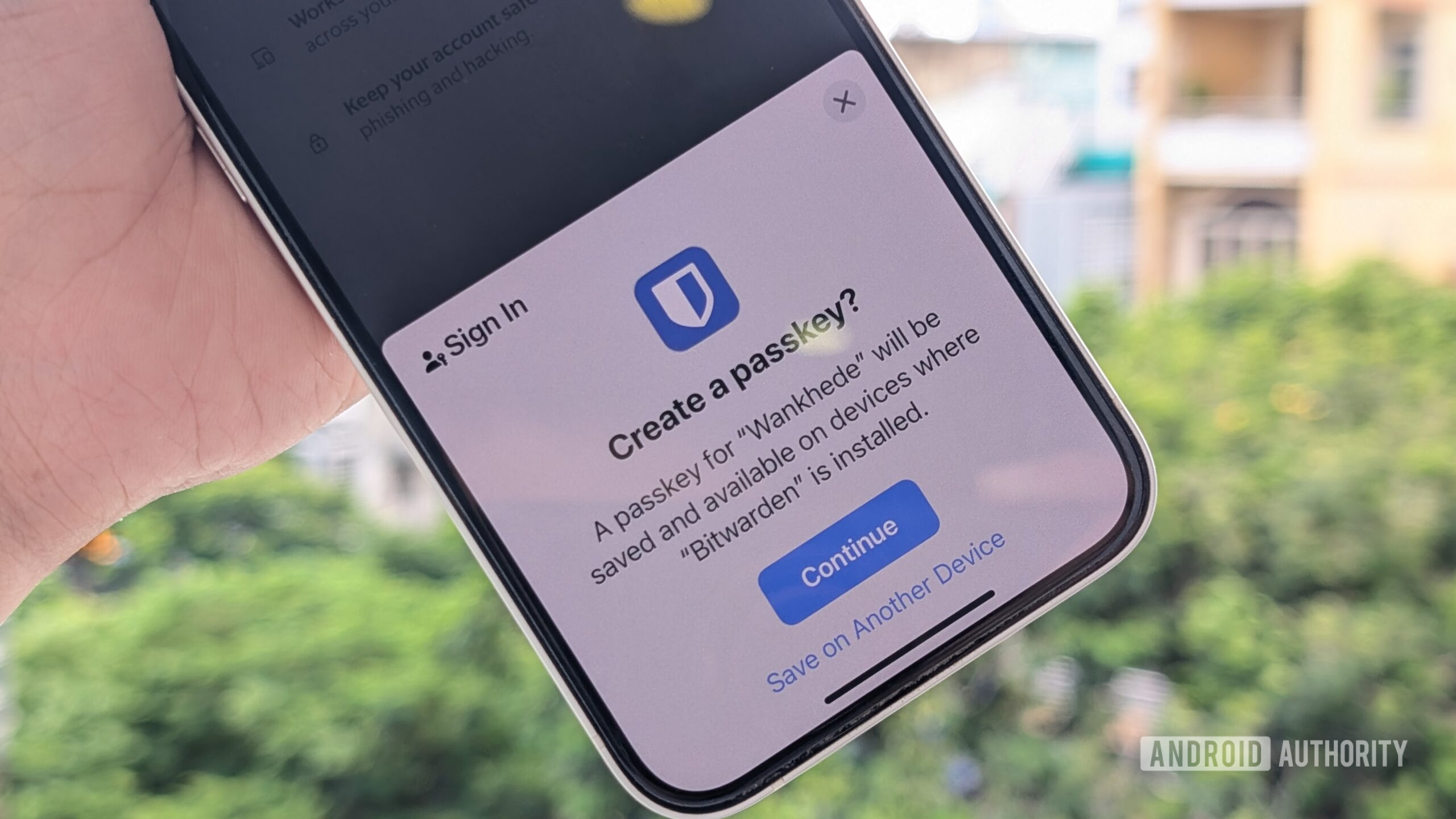
Despite theoretically being more secure than passwords, passkeys have one major limitation. While different operating systems allow individual mechanisms to sync passkeys with newer devices in the ecosystem, moving them to another app can be challenging. Along with a consortium of other companies that make security-related products, Google has been working to fix the issue since last year. However, while Apple has already introduced a mechanism to move passkeys to third-party password managers with iOS 26 and macOS 26, the feature hasn’t been implemented on Android yet, even though Google lets you sync passkeys across devices.
That could change soon, as Google is already testing the mechanism to transfer passkeys stored on your Android device across apps behind closed curtains.
When we reported on the functionality last year, we were only able to dig up references in the code. However, we’ve now succeeded in enabling the Android interface that allows users to transfer passkeys between apps.
We’ve enabled new options for importing and exporting passkeys using the Google Password Manager. In its current form, Google Password Manager’s Settings show options to “Import passwords” and “Export passwords.” Instead of those, we made some changes beneath the surface to enable new options which say “Import passwords & passkeys” and “Export passwords & passkeys.”
These new options don’t just exist for face value; we were also able to get them to work (even though you’d have to wait until Google officially enables them for each and every user). While there is no direct option to export passkeys to another app, the description says you will be prompted to transfer passkeys when you open another password manager app. Meanwhile, the screenshots below walk you through the process of importing passkeys from Google Password Manager.
Upon tapping “Import passwords & passkeys,” the screen that appears prompts you to choose the password manager that currently stores your passkeys. When we tap Next, we see a list of all the supported password managers (Bitwarden in this case) installed on the devices. Once selected, we’re taken to the app, where we can transfer passwords, passkeys, and other stored items to Google Password Manager.
The apps do not allow taking screenshots, but the following images show that the process was completed.
Don’t want to miss the best from Android Authority?


Now, it’s worth repeating that while the mechanism appears to be functional, Google has yet to activate it for users. And so, we can’t comment on when this could go live.
Additionally, the ability to transfer passkeys could be limited to a few providers of password managers who back the Credential Exchange Protocol (CXP), the technology that facilitates this transfer. The list includes stalwarts such as Google, Apple, and Samsung, so it shouldn’t be an issue if you use any of their products.
Along with this, Google and Apple are working to make it easier for users to switch from iPhone to Android wirelessly by copying files, apps, and even home screen setups. While Google also mentions it will make copying passwords easier, it doesn’t mention passkeys, and we’re unsure whether they will be included or not.
⚠️ An APK teardown helps predict features that may arrive on a service in the future based on work-in-progress code. However, it is possible that such predicted features may not make it to a public release.
Thank you for being part of our community. Read our Comment Policy before posting.
[ad_2]
Source link
More on google may finally let you move
Stay tuned for updates on google may finally let you move as the story develops. Related: LW — I Gave an AI a Civilization to Run. It Built a Nuke..
Frequently Asked Questions
Not yet. Google is testing the mechanism behind the scenes and the interface works, but Google has not activated it for users, and no launch date is known.
Google Password Manager settings would gain Import passwords and passkeys and Export passwords and passkeys options. When you open another password manager app, you will be prompted to transfer your passkeys.
Apple devices running iOS 26 and macOS 26 already support the feature, while Android does not yet.
Transfers may be limited to password managers that support the Credential Exchange Protocol (CXP). The list includes Google, Apple and Samsung. Also, Google has not said whether passkeys will be included in its new wireless iPhone-to-Android switching tools.