TL;DR
- Tired of wasting time editing speech-to-text transcriptions for accuracy and brevity? Gboard will soon be able to use Gemini models to polish transcribed text for seamless dictation.
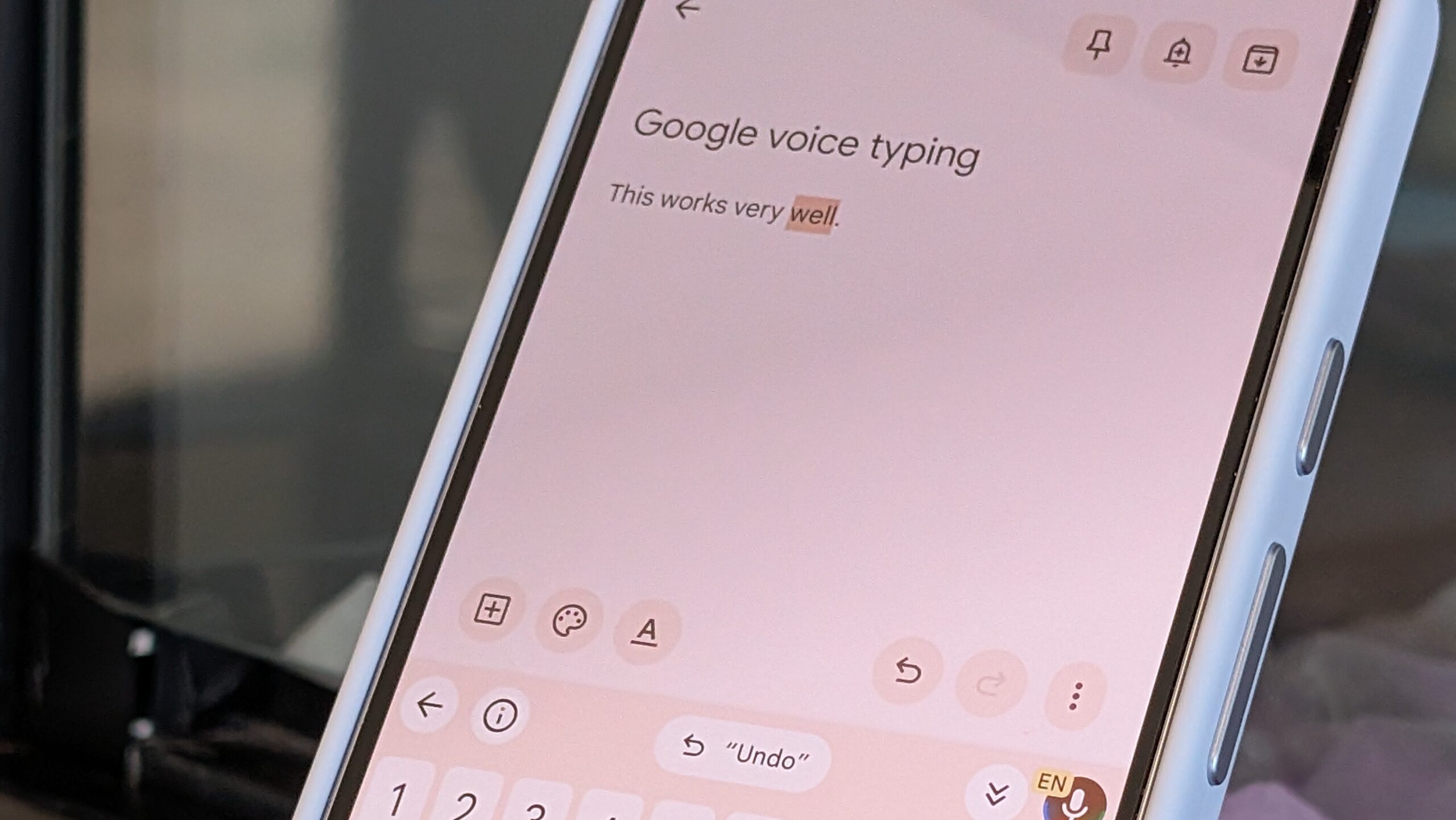
- Similar to the iOS-only Google AI Edge Eloquent release in April, the new Gboard “Rambler” feature sifts through your filler words, pauses, mistakes, and corrections to provide a polished text output.
- Rambler is optional, and it lives right in Gboard — you’ll be able to access it anywhere throughout Android when it arrives this summer.
Voice-to-text transcriptions are intended to save Android users the hassle of manually typing on their tiny virtual keyboards. A single filler word or moment of brain fog can trip up dictation on your Android keyboard, forcing you to start over. Google started publicly exploring ways to improve speech recognition and dictation with Google AI Edge Eloquent last month, an iOS-only app that uses on-device AI models to clean up and polish transcribed text. Android users’ patience seems to have paid off, because Gboard is getting similar speech-to-text improvements with “Rambler,” a new feature debuting as part of the Gemini Intelligence suite.
Google announced Rambler within Gemini Intelligence during The Android Show I/O Edition, and it’s designed to make sense of your senseless “rambles.” Since it is integrated with the Gboard keyboard, it’ll work anywhere in Android. If you want to use Rambler to convert speech to text in a Google Messages conversation, a Notion document, or a Slack thread, the tool will be there. It’ll be available in every app that supports Gboard, making it more convenient to use than Google AI Edge Eloquent on iPhone.
Rambler works by trying to figure out what you’re trying to convey with text, rather than transcribing every word uttered with precision. It understands context, so filler words like “um” or “like” are left out of a transcription for a cleaner read. It even knows when you’ve repeated yourself or tried to self-correct. That means if you start dictation in Gboard and say something like “No, actually, I’ll do this instead,” Rambler will know to ignore what was previously transcribed and focus on your correction instead.
Are you excited about Google’s Gemini Intelligence features for Android?
231 votes
The goal of Gboard’s Rambler feature is to add polish to speech-to-text outputs. Often, getting a quality transcription requires multiple attempts or manual edits, which could make you wish you typed manually in the first place. Using an advanced multi-lingual Gemini model, Rambler both transcribes and cleans up the text output in real time, saving you the step of making manual edits.
This Gboard dictation mode is optional, and only uses audio to transcribe your speech to text. Then, the text is processed to add polish and correct any errors or remove unnecessary filler words. The approach ensures your audio is never stored or saved — it is only used for real-time transcriptions.
Don’t want to miss the best from Android Authority?

Gemini’s multi-lingual model helps Rambler understand and transcribe speech using multiple languages in a single message. “Whether you’re blending English with Hindi or any other combination, Rambler understands the context and the nuance, ensuring your message sounds exactly like you — only more polished,” Google explains in a blog post.
Thank you for being part of our community. Read our Comment Policy before posting.
[ad_2]
Source link
More on gboard is learning to turn your
Stay tuned for updates on gboard is learning to turn your as the story develops. Related: Mobile & Accessories.
Frequently Asked Questions
Rambler is a new Gboard feature that uses Gemini models to polish speech-to-text transcriptions, sifting through filler words, pauses, mistakes, and corrections to produce polished text output.
No, Rambler is optional. It lives right in the Gboard keyboard and can be accessed anywhere throughout Android when it arrives this summer.
Google started publicly exploring better dictation with Google AI Edge Eloquent, an iOS-only app from April that uses on-device AI models to clean up transcribed text.
Google announced Rambler within the Gemini Intelligence suite during The Android Show I/O Edition.