
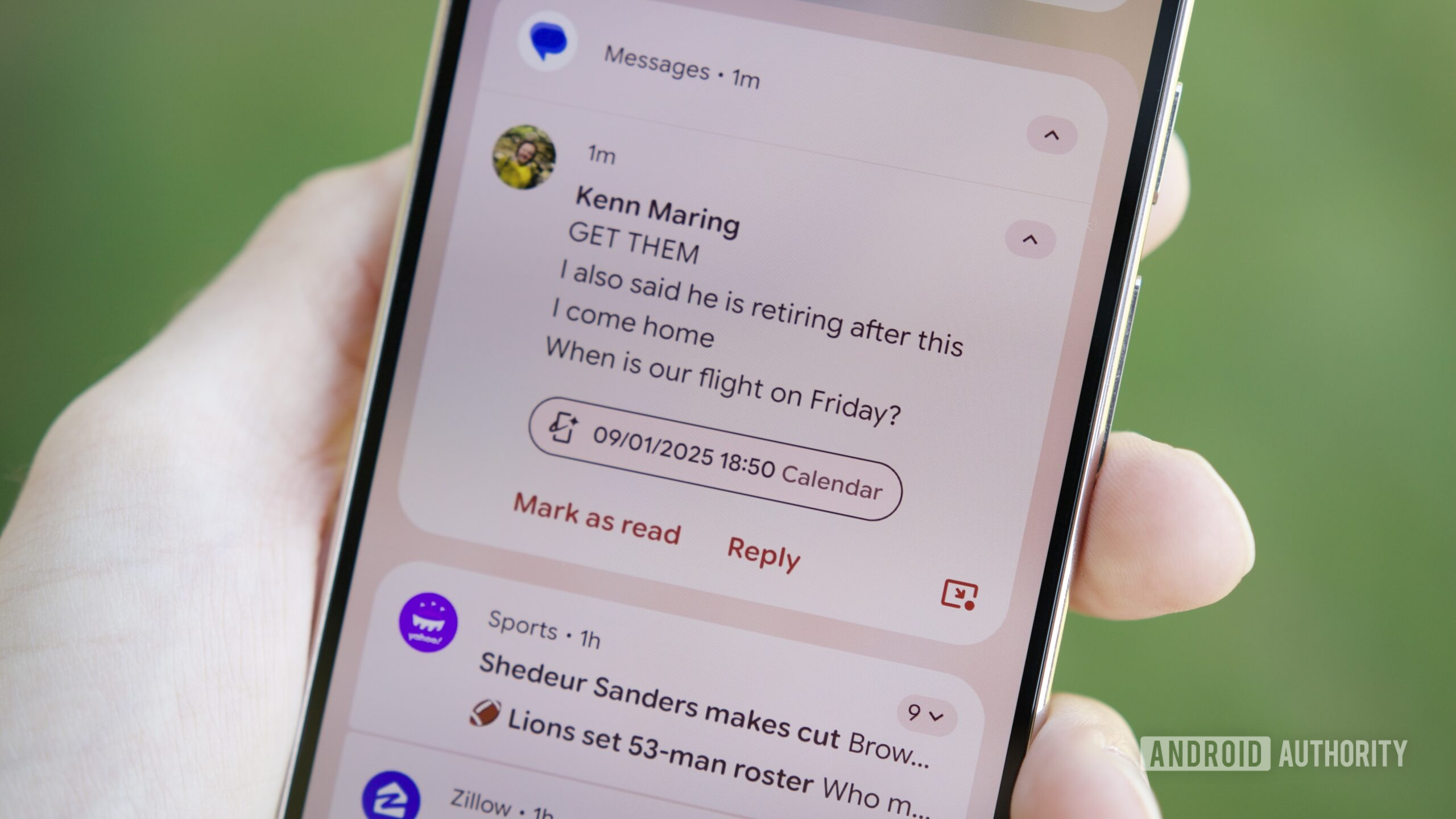
Joe Maring / Android Authority
A Magic Cue prompt showing the wrong flight info
TL;DR
- A new Android feature, called Contextual suggestions, can predict the next steps you might take based on where you are or what you’re doing.
- It’s now starting to roll out in the stable channel.
- The feature uses AI to suggest actions and stores the information on your device in an encrypted form.
Back in December last year, we learned that Google is working on a toned-down version of the Pixel 10’s Magic Cue feature that would be available across a broader range of Android devices. The feature, called “Contextual suggestions,” was reported to work exactly as its name suggests: it provides AI-generated suggestions for actions you can take based on activities you frequently engage in. For instance, you arrive at the gym, or your regular workout spot, and your favorite music app fires up automatically.
Although the feature was available to a handful of folks using Play Services in beta at the time of the previous report, it seems Google may have expanded it to the stable channel. My colleague Adamya Sharma recently spotted Contextual Suggestions on her Pixel 10 running a stable version of Android 16.
The interface or the feature descriptions haven’t changed since the last report. It still says the feature offers “suggestions from your apps and services based on your routine activities and locations.” It further explains that AI learns from your usage patterns and recommends to you what you can do. Contextual Suggestions are essentially like a more mature version of Android’s App Actions, which suggest actions for a particular app, but instead combine cues from different apps.
Don’t want to miss the best from Android Authority?


While Google says the feature relies on AI to learn and predict your next step, it does not specify the model being used. The description says all the information is kept encrypted on the device, but doesn’t explicitly say whether the processing also happens on-device. Fortunately, if you’re concerned about privacy, you might be delighted to know that Contextual suggestions don’t share this information with other apps.
If you’re looking to use Contextual suggestions on your phone, you should find them under Settings > Google Services > All services > Others (on a Pixel, you can tap your profile picture at the top of Settings, then tap All services > Others).
It’s entirely possible your device doesn’t have the feature yet (none of my devices do either). We’ll still keep an eye out for a broader rollout.
Thank you for being part of our community. Read our Comment Policy before posting.
[ad_2]
Source link
More on this android feature can predict your
Stay tuned for updates on this android feature can predict your as the story develops. Related: I Love This Floating Anker Speaker, and It’s on Sale for Less Than $100 This Prime Day.
Frequently Asked Questions
It uses AI to predict your next steps based on where you are or what you are doing, such as automatically firing up your favorite music app when you arrive at the gym.
The feature description says all the information is kept encrypted on the device, and Contextual suggestions do not share this information with other apps.
It is a toned-down version of the Pixel 10's Magic Cue feature, designed to work across a broader range of Android devices.
Look under Settings, then Google Services, then All services, then Others; on a Pixel, tap your profile picture at the top of Settings, then tap All services, then Others.


