Andy Walker / Android Authority
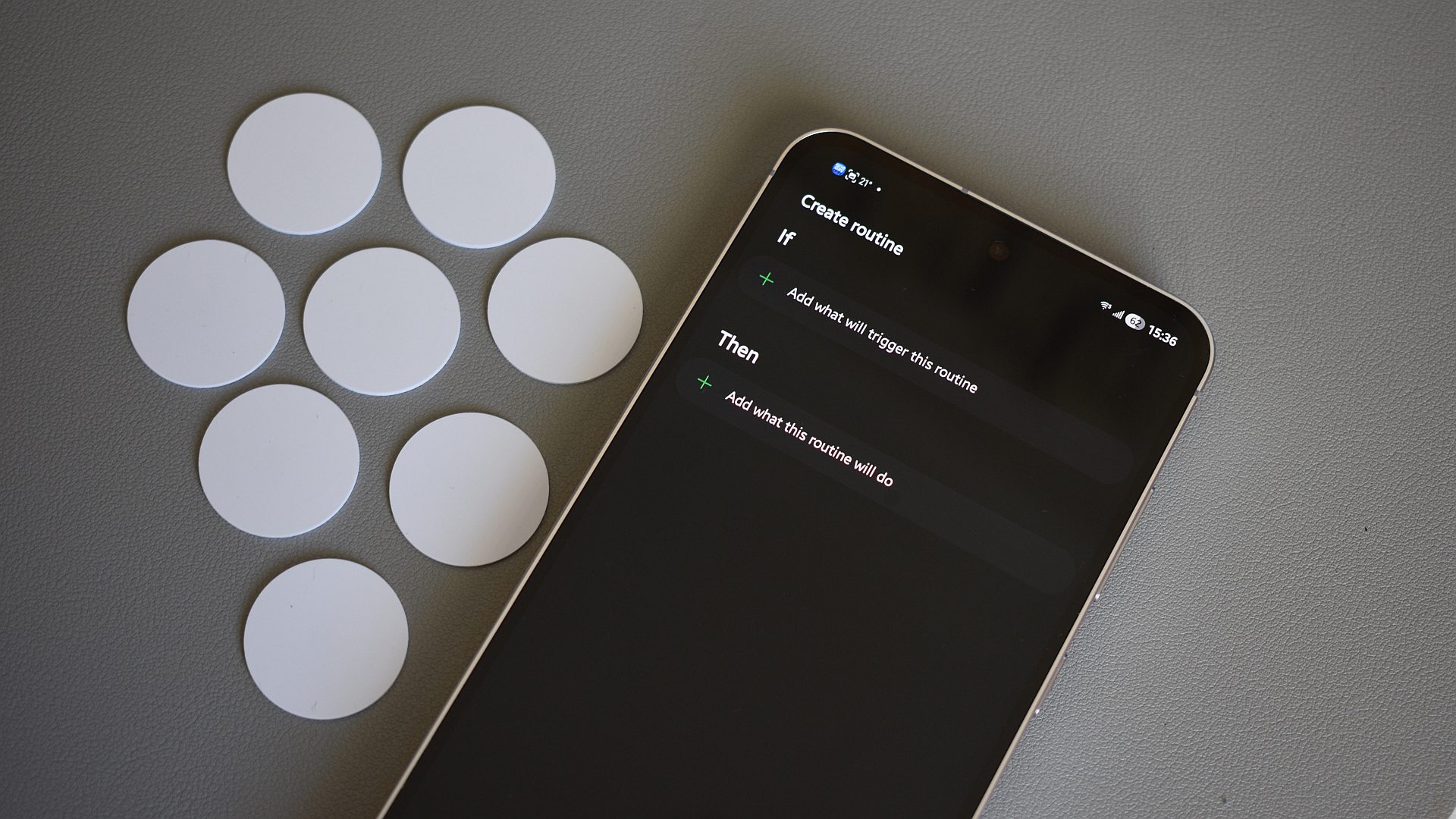
Samsung Routines has to be one of the most overlooked features in One UI. Most people either don’t know it exists or simply don’t care enough to explore it. Initially, I also only used it for simple things like updating apps on my phone and enabling auto rotation whenever I opened YouTube or Gallery. Over time, though, I started experimenting with more automations, and that’s when I realized just how powerful Samsung Routines really is.
Now, my Galaxy phone automatically prepares itself for different parts of my day without me having to do anything. It switches into a custom driving mode when I get into my car, creates a comfortable reading setup at night, and even manages battery intelligently when I’m outside. Most of these routines do pretty basic tasks, but they make my life so much easier.
Here are the best Samsung Routines I’ve set up and use every day.
Have you ever used Samsng Routines?
7 votes
I wake up to exactly what I need to know

Pankil Shah / Android Authority
Like most people, there are a few things I instinctively do right after waking up — like checking the weather, looking at my calendar, and catching up on anything important I missed overnight. Now, I’ve set up a couple of routines that help me with it.
The first one is incredibly simple. When I dismiss the morning alarm, my phone automatically switches back to sound mode. It’s basic, I know, but it has saved me from missing calls more times than I’d like to admit. Right after that, another routine opens Samsung’s Now Brief, which is something I’ve become a fan of lately. It immediately shows the weather, calendar events, top news, and other useful updates, so I don’t have to jump between different apps.
I’ve also added a routine that simply checks the day’s lowest temperature. If it’s less than 5°C, my Galaxy phone literally reminds me out loud to grab a coat before heading out.
My custom driving mode without Android Auto

Pankil Shah / Android Authority
Although my car has Android Auto, I’ve never really enjoyed using it. Instead, I have a routine that gets my phone ready for the ride. The second my phone connects to my car’s Bluetooth, Google Maps opens — something I use even when I know the route. At this point, I rely on it less for directions and more for everything around it — live traffic updates, ETAs, road closures, and even the saved parking location feature.
This routine also resumes YouTube Music playback, so I don’t have to fumble around. Along with that, it makes a few tiny adjustments on my phone. For instance, it increases brightness so I can actually see the screen without squinting. My phone’s media volume is increased to the right level, which makes it easier to control playback from the car itself. It also extends the screen time out to keep the display on for longer than 30 seconds. These are all simple things, but they save me from having to repeat the same process every time I get into the car.
Battery management kicks in before I even notice the drop

Pankil Shah / Android Authority
Battery anxiety is something I deal with constantly because my Galaxy S26 has a 4,300 mAh battery. It’s completely fine most days, but on heavier days with navigation, camera use, music streaming, and constant mobile data, I can practically watch the percentage drop in real time.
Sure, the built-in power saving mode is there to help, but I personally don’t like using it because of how aggressive it is. The performance limitations are immediately noticeable, and my phone stops feeling like a flagship the moment I turn it on. So instead, I’ve built my own version using a routine.
Whenever the battery drops below 50%, and I’m not connected to Wi-Fi — which usually means I’m outside — my phone switches to a more efficient mode. It turns on dark mode, lowers the refresh rate to 60Hz, changes the performance profile to Light mode, and disables features like the always-on display. What I like about this is that none of the changes affect my phone’s performance dramatically, but they still slow down the battery drain.
Reading at night feels comfortable without any effort

Pankil Shah / Android Authority
I love reading on my phone, and it’s something that has replaced my habit of endlessly scrolling reels before bed. But reading comfortably in a dark room usually requires a bunch of tiny adjustments, so I’ve automated them with a routine.
Whenever I open Brave after 9 PM, for instance, my phone activates what’s essentially my custom reading mode. It turns on Extra Dim brightness, Eye Comfort Shield, and dark mode, which makes the phone screen easier on the eyes. I can read articles, blogs, and long forum posts without getting flashbanged by a bright white screen.
I’ve also created another routine specifically for Moon+ Reader — one of the apps I use for ebooks. When I open it, my phone automatically switches to grayscale mode. This makes long reading sessions more comfortable and reduces the temptation to jump into other apps like Instagram and YouTube.
My phone knows when it’s time to focus

Pankil Shah / Android Authority
One of my favorite routines is the one I barely even think about anymore — and that’s probably the biggest compliment I can give it. My phone is essential for what I do. I use it constantly for testing apps, checking emails, and taking notes. But it’s also filled with some distractions that can easily pull me away from work. And to avoid that, I’ve built a routine that helps my brain switch into work mode.
The moment my phone connects to my office Wi-Fi, a focus setup kicks in. This routine disables social media notifications, switches my phone to vibrate mode, turns on a focus playlist, and even changes the wallpaper. In a way, my phone switches to “work mode” to help me concentrate. Of course, I still have to do the actual focusing myself, but a distraction-free setup surely helps.
I didn’t realize how much time I was wasting on making these tiny adjustments on my phone until I stopped doing them manually. Sure, setting up all these routines did take some time — and a fair bit of trial and error too — but it was all worth it.
And honestly, these are just a few examples. There’s so much you can automate depending on how you use your phone and the little habits you repeat every day. If you have a Samsung phone and aren’t using Samsung Routines, take this as your sign to change that.
Don’t want to miss the best from Android Authority?


Thank you for being part of our community. Read our Comment Policy before posting.
[ad_2]
Source link
More on 5 samsung routines that completely changed
Stay tuned for updates on 5 samsung routines that completely changed as the story develops. Related: Samsung Galaxy S26 series receives third One UI 9 beta update.
Frequently Asked Questions
An overlooked One UI automation feature that prepares your Galaxy phone for different parts of the day without you having to do anything manually.
A morning routine that restores sound mode and opens Now Brief, a driving mode triggered by car Bluetooth that opens Google Maps and adjusts settings, and battery management routines.
When the phone connects to car Bluetooth, it opens Google Maps, resumes YouTube Music playback, increases brightness and media volume, and extends the screen timeout.
In a poll, 71% said they use them constantly, 14% tried them once, and 14% know about them but never used them.