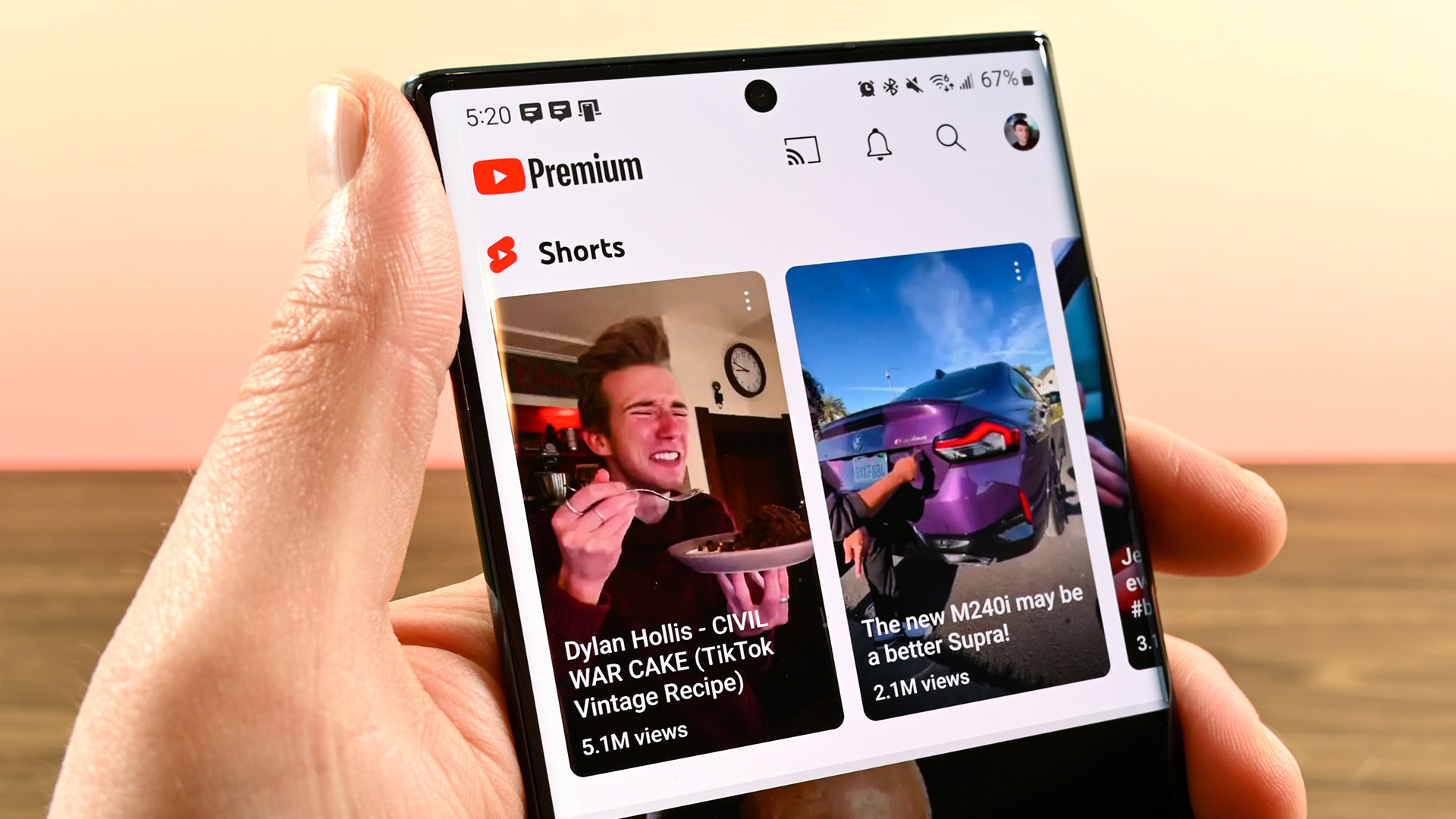
If you’ve noticed that the YouTube Shorts dislike button is missing or has been replaced by a heart icon, you aren’t alone. YouTube is currently experimenting with a redesigned interface for its vertical video platform, changing how users interact with content.
\n\nThis update is part of a series of UI (User Interface) tests that vary by account, device, and region. In this guide, we’ll explain where the dislike button went, why YouTube is making these changes, and how you can still provide negative feedback on videos you don’t like.
The New YouTube Shorts UI: What’s Changing?
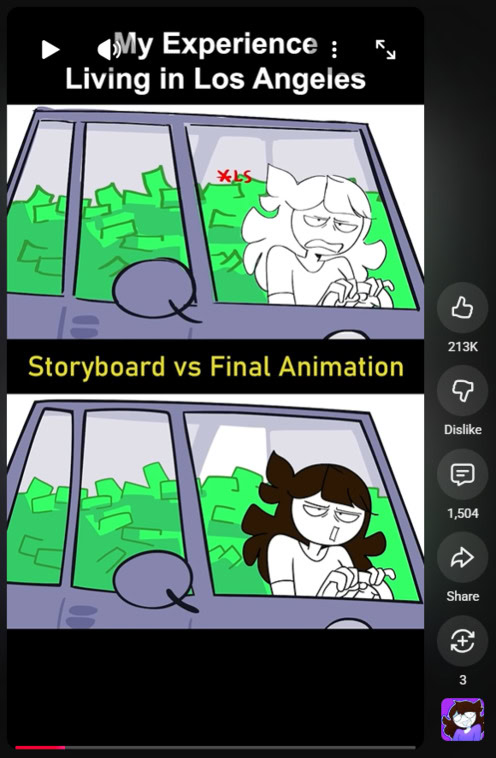
\nTraditionally, the YouTube Shorts action bar (located on the right side of the screen) includes five main icons: Like, Dislike, Comments, Share, and Remix. However, recent tests have introduced two significant changes:
\n- \n
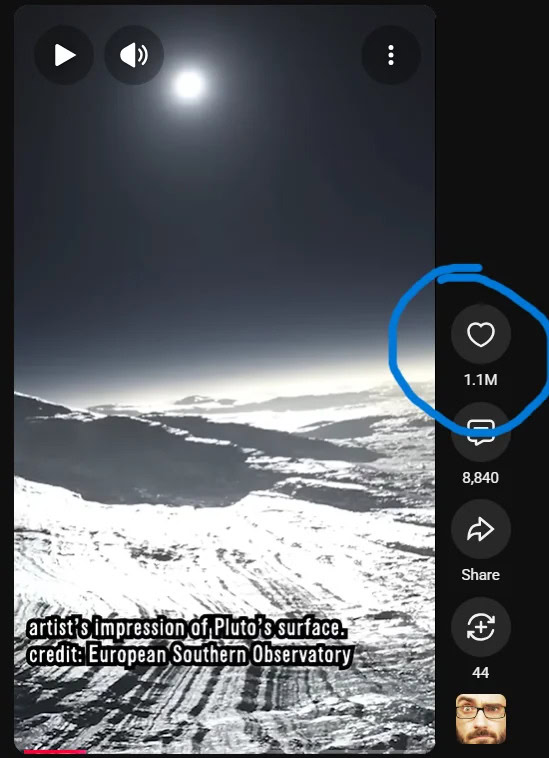
- The Heart Icon: In some versions, the traditional “Thumbs Up” Like button is replaced by a heart icon, similar to the interface on Instagram or TikTok. \n
- Hidden Dislike Control: The “Thumbs Down” Dislike icon is being removed from the primary action bar for many users, making the interface look cleaner but less functional at first glance. \n
 \n
\n Where is the Dislike Button on YouTube Shorts?
\nEven if the icon is missing from your main screen, the Dislike option has not been deleted. It has simply been moved to a secondary menu to reduce “public negativity.”
\n\nStep-by-Step: How to Dislike a Short
\n- \n
- Open the YouTube mobile app and navigate to the Short you are watching. \n
- If the Dislike thumb is missing from the right-side bar, tap the three-dot menu (⋮), usually located in the top-right corner. \n
- In the pop-up menu, you will find the Dislike button or a “Not interested” option. \n
- Tap your preferred feedback to help train the YouTube algorithm. \n
 \n
\n Why Did YouTube Hide the Dislike Button?
\nThis move follows YouTube’s controversial 2021 decision to hide public dislike counts across the entire platform. By removing the button from the immediate view in Shorts, YouTube likely aims to:
- \n
- Reduce Targeted Harassment: Making the dislike action harder to reach discourages “dislike mobs” from attacking creators. \n
- Encourage Positive Engagement: The heart icon is widely associated with positive community sentiment across social media. \n
- Algorithm Focus: While the public can’t see the feedback easily, the “dislike” signal still tells the algorithm what content to stop showing you. \n
What This Means for Content Creators
\nIf you are a creator, don’t worry—you haven’t lost your data. While viewers might find it harder to dislike your videos, your YouTube Studio analytics will still show you the full breakdown of your engagement metrics.
\nFocus on these key metrics rather than visible likes:
- \n
- Audience Retention: Are viewers watching until the end? \n
- Swipe-Away Rate: How many people chose to watch vs. swiping away? \n
- Comment Sentiment: Read your comments to gauge how your audience actually feels. \n
Bottom Line
\nThe missing dislike button on YouTube Shorts is a UI experiment designed to streamline the app’s appearance. While it adds an extra step for viewers who want to express dissatisfaction, the functionality remains available within the three-dot settings menu. As YouTube continues to test these layouts, your app interface may change back or evolve further in the coming months.
\n\n\n
Have thoughts on the new layout? Read our Comment Policy before sharing your feedback.
Frequently Asked Questions
YouTube is experimenting with a redesigned interface where the dislike button is missing or replaced by a heart icon.
It is part of UI tests that vary by account, device, and region.
Yes, the guide explains how you can still provide negative feedback on videos you don't like.
Traditionally five main items on the right side of the screen, though the excerpt cuts off before listing them.