[ad_1]
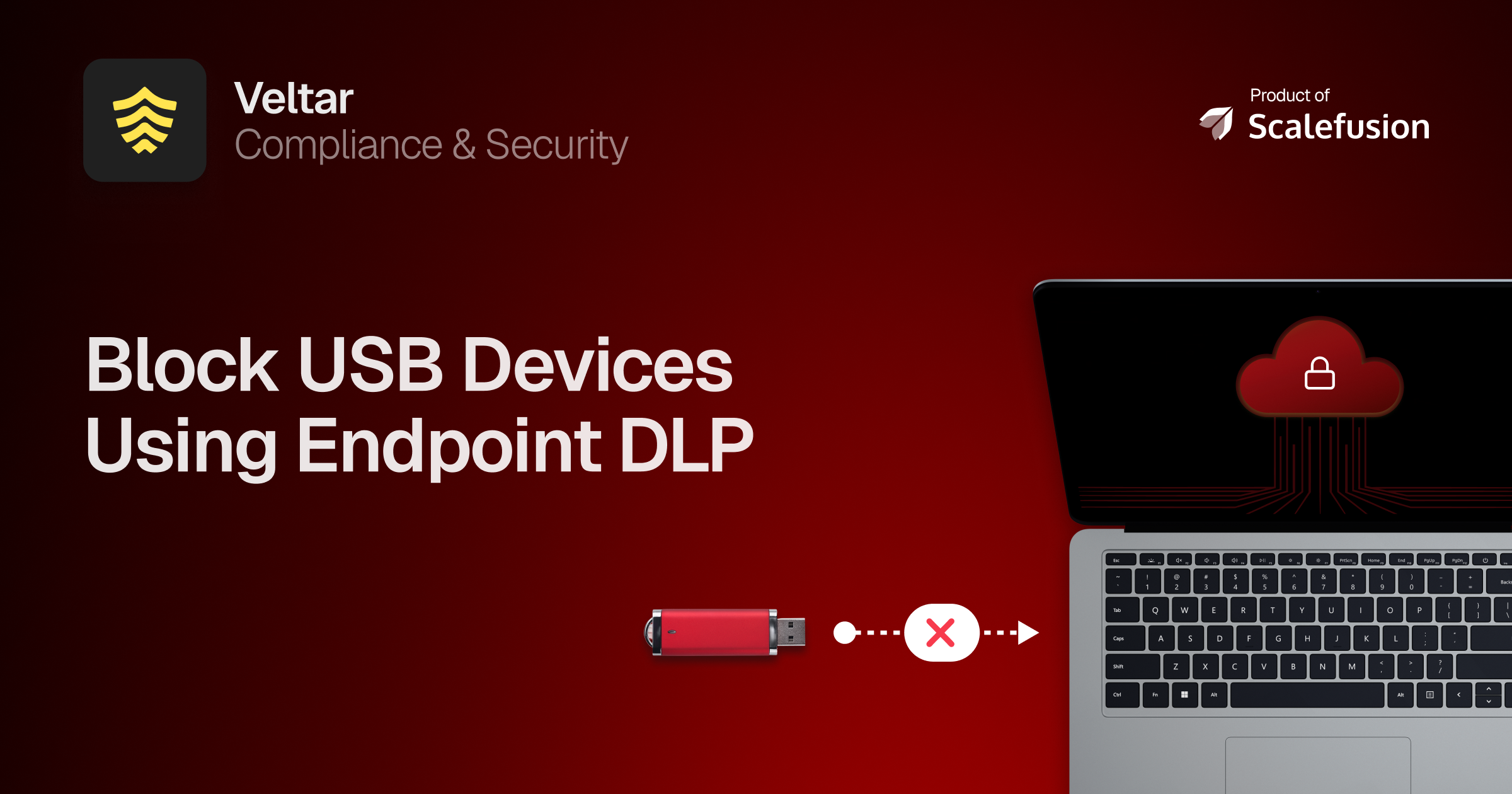
DLP USB blocking is a feature that addresses an often-overlooked aspect of data and threat protection: USB ports. USB devices are often used as malware and data theft carriers to steal or leak sensitive data.
Implementing USB blocking through endpoint data loss prevention (DLP) solutions helps organizations protect their data and devices from potential data leaks and cyber threats at the physical point of breach.
Let’s explore what USB blocking is and why it is an essential part of securing your company’s data and bolstering threat defenses.
What is endpoint DLP?
Endpoint DLP is an advanced security layer that sits directly on the device and protects sensitive information from slipping out. Instead of relying only on network controls, it works directly at the endpoint where data is created and used.
In simple terms, endpoint DLP determines who can access data, where it can go, and how it’s shared, based on the policies set for the device. It achieves this by identifying, monitoring, and blocking unauthorized data transfers through channels like email, cloud apps, or physical devices such as USB drives.
What is DLP USB blocking?
DLP USB blocking, also referred to as USB endpoint protection, is a way to safeguard sensitive company data and avoid threats from breaching through unauthorized devices and ports. It ensures that information is not transferred to any external devices and prevents malware and ransomware from infiltrating the organization’s systems.
Endpoint DLP USB blocking allows IT admins to set baseline rules, such as read and write, read only, or deny, for all storage devices connected to endpoints. It also provides device type filtering, which restricts access by type of device and ensures only encrypted devices can access endpoints, minimizing unintentional data exposure.
Why do organizations need DLP USB blocking?
In regard to security, no one should be above suspicion. Every person in the organization and every unattended port poses a potential risk to the secure system. Most breaches don’t require an external actor since they can simply rely on the human nature of accidental mistakes and internal actors working on their behalf.
DLP USB blocking levels the playing field by taking every potential risk into consideration and applying deterrence policies across all devices. Be it a malicious USB trying to inject harmful software into your network, or an employee trying to transfer company data to an unauthorized device for work purposes.
By implementing the best DLP solutions, organizations can significantly reduce the threat surface area and remove the need for constant surveillance of all access points.
How DLP USB blocking works
DLP USB blocking acts as a security layer at the endpoint. IT admins can create custom rules that dictate how every USB port across a single device or a group of devices reacts when an external USB is plugged in.
This ensures that only trusted or encrypted devices can connect, effectively stopping unauthorized copying or infections before they happen.
USB blocking software gives IT admins visibility across all endpoints, even outside the corporate network, to monitor, restrict, and log USB activities remotely. This creates accountability and traceability for every data movement.
USB blocking achieves this by:
- Blocking data transfer to unapproved devices
- Notifying admins about suspicious activities
- Restricting access based on user roles and departments
What are the benefits of USB blocking with DLP?
1. Identifying unusual USB activity
It helps identify unexpected increases in file transfers via USB drives. Upon identifying any suspicious activity, it blocks all USB ports so that the incident remains isolated.
2. Managing exceptions without hampering security
It provides controlled access to removable storage to match the organization’s need for managing exceptions. This is done without compromising overall data security or creating loopholes that enable data theft. These exceptions can be carried out at varying layers, such as location, user profile, group, date, and time.
3. Implementing granular control policies
It allows organizations to create custom, detailed policies regarding USB device use for different user groups. This customization gives IT teams the freedom to enforce stricter policies for groups that work directly with sensitive data regularly, while allowing greater flexibility to the rest of their workforce.
4. Reducing physical breach risks
By blocking unauthorized devices, it closes the device ports that usually remain susceptible to malware and infected device connections. This is carried out regardless of the device location, so malicious actors can’t steal any data even if the device is lost or found outside of work premises.
5. Simplifying compliance and audit
Through constant monitoring of the endpoints, it is able to provide comprehensive compliance reports for auditors. It logs every USB connection established and flags all suspicious activities.
Key features of USB blocking using DLP
The three primary features of DLP USB blocking are:
1. USB device management
It allows IT admins to constantly monitor all the USB devices that are being connected to the endpoint. Through this, organizations can keep track of these devices and also limit their access to the connected endpoints.
2. USB and peripheral port control
IT admins can create an allowlist where only the endpoints included will be able to access their USB ports. This includes restrictions on devices such as USB drives, external hard drives, and printers. It also offers a complete lockdown of all ports, so that, in the event of a breach, employees can’t transfer data or communicate through them, which boosts security.
Peripherals and USB ports included under this feature range from desktops, laptops, mobile phones, and POS systems to entire servers.
3. Custom access control policies
IT admins can set different custom rules for how USB ports can be used based on the organization’s policies. Access restrictions can be further categorized into multiple types, such as read and/or write, device class, user group, and time-based restrictions.
Having predefined access control policies further strengthens the security posture and helps narrow down the identification of breach points.
Creating a close-knit secure structure
USB blocking through endpoint DLP helps organizations reduce the IT load of constant surveillance and security checks across every endpoint, each time a new USB device is connected. It also provides clear visibility of all devices and helps generate a detailed report for audit and compliance mandates.
Scalefusion Veltar is a sophisticated endpoint DLP solution that ensures all your physical points of breach are covered and that they remain closed to threats. It brings clarity to endpoint DLP through a UEM-native solution to safeguard all your endpoints across the floor regardless of their OS, location, and use case.
Manage DLP USB blocking centrally and enforce it without complex configurations through Scalefusion Veltar.
Sign up for a 14-day free trial now.
FAQs
1. What is DLP USB access?
DLP USB access is a security feature that allows IT admins to customize device-level access rules for specific individual storage devices to create exceptions to the default access policy. IT admins can also create predefined policies such as whitelist approved devices, block unauthorized drives, and enforce read-only access to prevent data theft or malware infiltration.
2. How does USB DLP blocking help prevent data loss?
USB DLP blocking prevents data loss by ensuring only trusted or encrypted devices can connect to the endpoint, effectively stopping unauthorized copying or infections before they happen. It can also apply restrictions on the endpoint to prevent any data transfer from USB ports or work under read-only access.
3. How do I implement USB blocking in my organization?
Endpoint DLP can be implemented through Scalefusion Veltar, which is a comprehensive solution that allows organizations to implement robust USB blocking policies across all devices connected to the managed system. IT admins can also use Veltar to configure custom policies for USB devices on endpoints based on user profiles and endpoint use cases.
[ad_2]
Source link