Megan Ellis / Android Authority
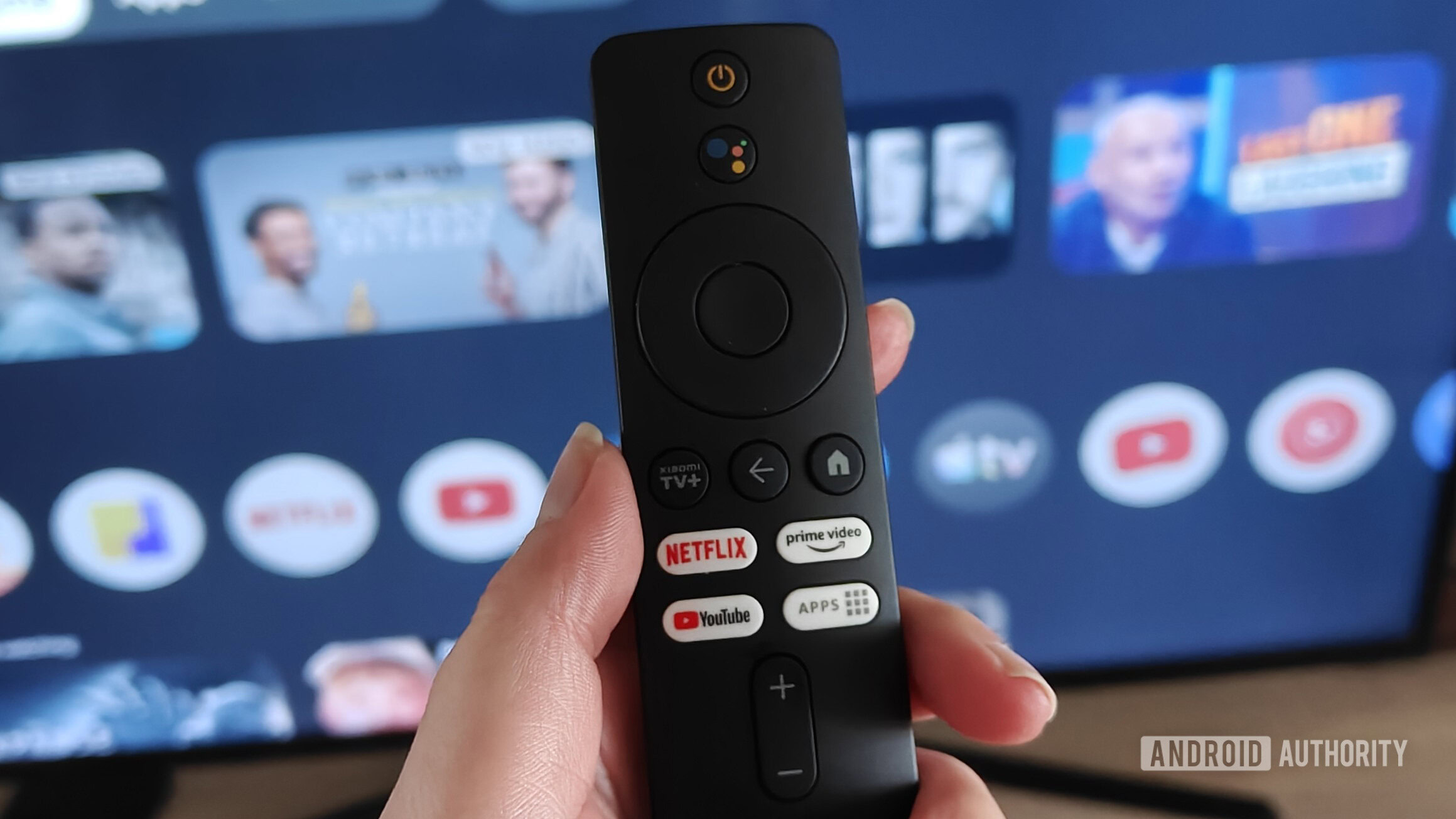
Google TV is the go-to platform for many streaming boxes and smart TVs, and it’s easy to see why. The platform has been around for ages, it supports literally millions of apps, and it has reasonably low system requirements.
There are loads of features worth knowing if you want to get the most out of Google’s OS. But what about the little-known tips and tricks? Here are a few pointers you might not know about.
What’s your favorite under-the-radar Google TV tip?
2 votes
Switch to apps-only mode for a cleaner experience

Hadlee Simons / Android Authority
The default Google TV launcher is fine, but there’s no shortage of complaints about it. This includes performance issues on some devices, recommendation overload, and ads on the home screen. It also comes with Gemini or Google Assistant, which can be handy but not ideal if you simply want to watch content. However, Google does give you one built-in solution.
You can enable apps-only mode by tapping Settings > Accounts & Sign-in > your Google account > Apps only mode. This mode will remove those tabs at the top of your TV screen, hide recommendations on the home screen, and disable voice functionality and search. It doesn’t address all these issues, but it certainly goes a long way to cleaning up your TV box menu.
Change your launcher to Projectivy

Calvin Wankhede / Android Authority
What if you’ve enabled apps-only mode and are still disappointed with the default Google TV experience? Fortunately, you can actually change the launcher altogether to give your TV box a new look and feel.
Our top recommendation is Projectivy Launcher, available on the Play Store. Projectivy offers a simple, fast, and ad-free Google TV experience, while also delivering plenty of customization options. These options include wallpaper plugins, animated backgrounds, custom icons, and the ability to launch specific apps from boot.
Projectivy isn’t the only notable third-party Google TV launcher. Other alternatives include AT4K, Arc, and Dispatch. Either way, you don’t have to stick with the Google TV launcher if you want a cleaner, faster experience.
Improve speed and snappiness via developer options

Megan Ellis / Android Authority
Google TV has a hidden developer options menu, much like mainline Android on smartphones and tablets. And there are a couple of settings here if you want a smoother, snappier experience.
The first option is to disable the animations via the window animations scale, transition animation scale, and animator duration scale settings. This isn’t technically a performance boost, but it simply removes various system animations to make your device feel snappier. You can also opt for the 0.5x option if you still want animations but want them to be faster.
Don’t want to miss the best from Android Authority?


Another developer option worth exploring is the background process limit. This option effectively caps the number of background processes/apps running at any time, ranging from no background processes to four. Colleague Megan Ellis found that this option fixed many performance issues on her Google TV box, but do be warned that your background apps might reload far more frequently if you opt for a strict limit.
Get more USB ports with this accessory

C. Scott Brown / Android Authority
One of the worst things about some Google TV devices is the lack of USB ports for data transfer and accessories. However, there is one long-standing solution if you’ve got a Google TV device powered by a USB-C port.
Devices like the Chromecast with Google TV and Google TV Streamer let you plug in a USB-C hub or split USB-C OTG cable into the sole USB-C port. You’ll need to plug a charger into your USB-C hub to power the Google TV device, but you get extra USB ports for flash drives, keyboards, and other accessories.
The one downside to this approach is that not every USB-C hub seems to work. As such, you’ll need to check online to see which products are best suited to this. It also makes for a more cluttered TV area, but it’s still better than having no USB ports at all.
Download ATVTools on your phone

Hadlee Simons / Android Authority
One of the best under-the-radar Google TV tips is to install the ATVTools app on your Android phone. This links to your Google TV device and enables a variety of capabilities. Some of the most prominent features include screenshot functionality, a resource monitor, the ability to install APKs stored on your phone, and remote file management.
A few features are hidden behind a premium purchase, such as uninstalling apps, remote/mouse capabilities, gamepad functionality, and screen recording. But this can be unlocked with a one-time fee starting at just ~$2. You’ll also need to enable wireless debugging on your Android phone and Google TV device via developer options. Either way, this app is worth a look if you want to easily install apps, quickly take screenshots, and seamlessly manage files on your TV box.
Use CX File Explorer to transfer files over your network

Hadlee Simons / Android Authority
Some TV boxes, like the NVIDIA Shield, have a built-in option to share files over a local network. This is very useful if you’d like to transfer videos and other media from your PC to your Google TV box for playback. Don’t have this option on your Google TV box? Then I highly recommend downloading CX File Explorer on your device.
CX File Explorer includes an FTP option, which can be activated by visiting the Network tab and tapping Access from PC > Start service. The app will then show an FTP address, username, and password. Open your PC’s file explorer and enter the displayed FTP address into the top address bar. You should then see a pop-up menu where you can enter the username and password shown on your TV. And that’s it. You can now transfer files between your TV and PC. There are a few other file explorer apps with similar functionality, but CX is my go-to app.
Plex and JellyFin are still more convenient if you want to seamlessly stream videos and music from your PC over a local network. But this file transfer solution is great if you’ve got removable storage (e.g., microSD card, flash drive, portable hard drive) attached to your Google TV box.
Thank you for being part of our community. Read our Comment Policy before posting.
[ad_2]
Source link
More on 6 google tv tips and tricks
Stay tuned for updates on 6 google tv tips and tricks as the story develops. Related: Today’s NYT Mini Crossword Answers for June 18.
Frequently Asked Questions
Go to Settings, then Accounts and Sign-in, then your Google account, then Apps only mode. It removes the top tabs, hides recommendations, and disables voice functionality and search.
Switch to an alternative launcher, which got 100% of the votes.
Performance issues on some devices, recommendation overload, and ads on the home screen.
It has been around for ages, supports literally millions of apps, and has reasonably low system requirements.