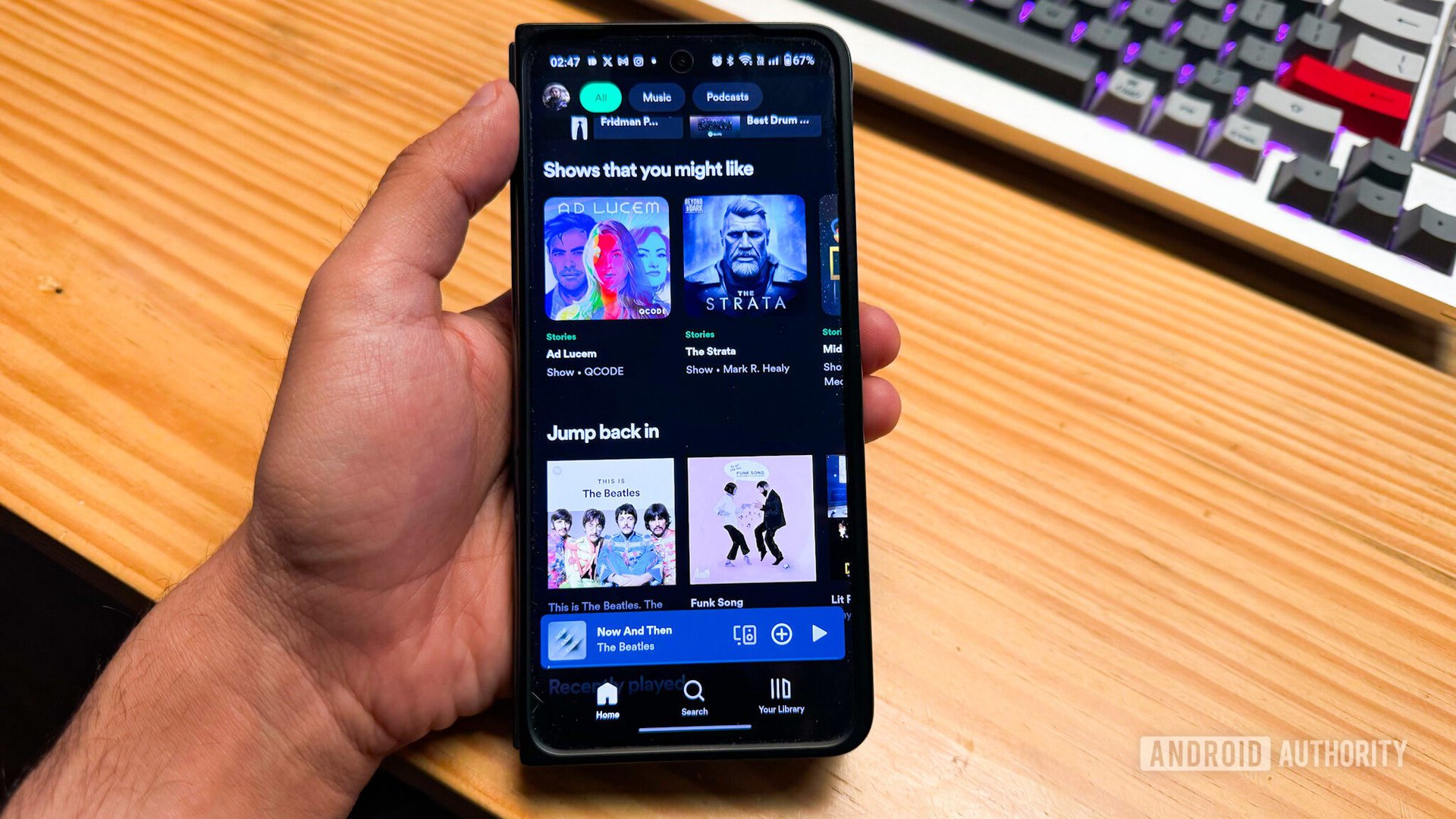
Dhruv Bhutani / Android Authority
TL;DR
- Spotify now lets users create and share short podcast clips directly from the app using a new scissors tool.
- The feature could make podcast discovery far more social, turning viral moments into an easy way for new listeners to find shows.
- Podcast Clips are rolling out globally on mobile for both Free and Premium users, with support for more shows expanding over time.
I share interesting clips on my Instagram Stories all the time — funny moments, useful advice, or conversations that instantly deserve a repost. Podcasts are full of those moments, but sharing them has never been particularly easy. That’s why Spotify’s new Clips feature for podcasts feels absolutely useful.
The feature lets listeners cut out and share specific podcast moments directly inside Spotify. So if a creator says something insightful, hilarious, controversial, or unexpectedly relatable, you can save just that section and send it around without forcing someone to dig through a two-hour episode to find it.
Don’t want to miss the best from Android Authority?


This could be a much bigger deal for podcast discovery than it sounds. Most people don’t discover podcasts by sitting down and searching for new shows anymore — they stumble across interesting moments on social media. A funny debate, a relationship take, a finance tip, or a celebrity confession can spread far beyond the podcast’s regular audience. Spotify says its early testing already showed increased podcast saves when clips were enabled, which makes sense. One memorable 30-second segment can sometimes do more than an entire episode title or description.

Using the feature is pretty straightforward, too. While listening to a podcast, you can tap the scissors icon in the Now Playing screen to capture a clip. After trimming the section you want, you can either save it for later or share it instantly. Spotify also gives multiple sharing options, including sharing the full episode, a specific chapter, a timestamp, or the clip itself. You can send these through Spotify Messages or other supported apps and platforms.
All saved clips are stored in Your Library, so you can revisit them later or even organize them into podcast playlists.
Spotify says podcast Clips are rolling out globally for both Free and Premium users on mobile, but the rollout still seems a bit inconsistent. I’m currently using the free version of Spotify, and the feature still hasn’t appeared on my phone.
Meanwhile, Android Authority’s Content Director, Bogdan Petrovan, who uses Spotify Premium, does have access to clip saving. He can see a scissors icon while listening to supported podcasts. Tapping it lets him trim and save specific moments from an episode.
However, the scissors tool doesn’t appear on every podcast. So while the feature is technically live, Spotify still seems to be gradually enabling it across different shows and accounts. In typical Spotify fashion, this feels more like a staggered rollout that appears randomly depending on your account and the podcast you’re listening to. That also means support will likely expand to more shows over time.
Thank you for being part of our community. Read our Comment Policy before posting.
[ad_2]
Source link
More on this spotify update lets you share
Stay tuned for updates on this spotify update lets you share as the story develops. Related: Google quietly adds LHDC v5 support to Pixel phones with Android 17 update.
Frequently Asked Questions
It lets listeners cut out and share short podcast moments directly inside Spotify using a scissors tool in the Now Playing screen.
They are rolling out globally on mobile for both Free and Premium users, with support for more shows expanding over time.
Tap the scissors icon while listening, trim the section you want, then save it for later or share it instantly. All saved clips are stored in Your Library.
Spotify's early testing showed increased podcast saves when clips were enabled, since one memorable 30-second segment can attract new listeners better than an episode title.